Use cases
Practical breakdowns of how construction and industrial teams run their day-to-day work in PlanMee — from assigning crews to tracking budgets. Pick the one closest to your situation and see exactly how it works.










How to manage a construction project
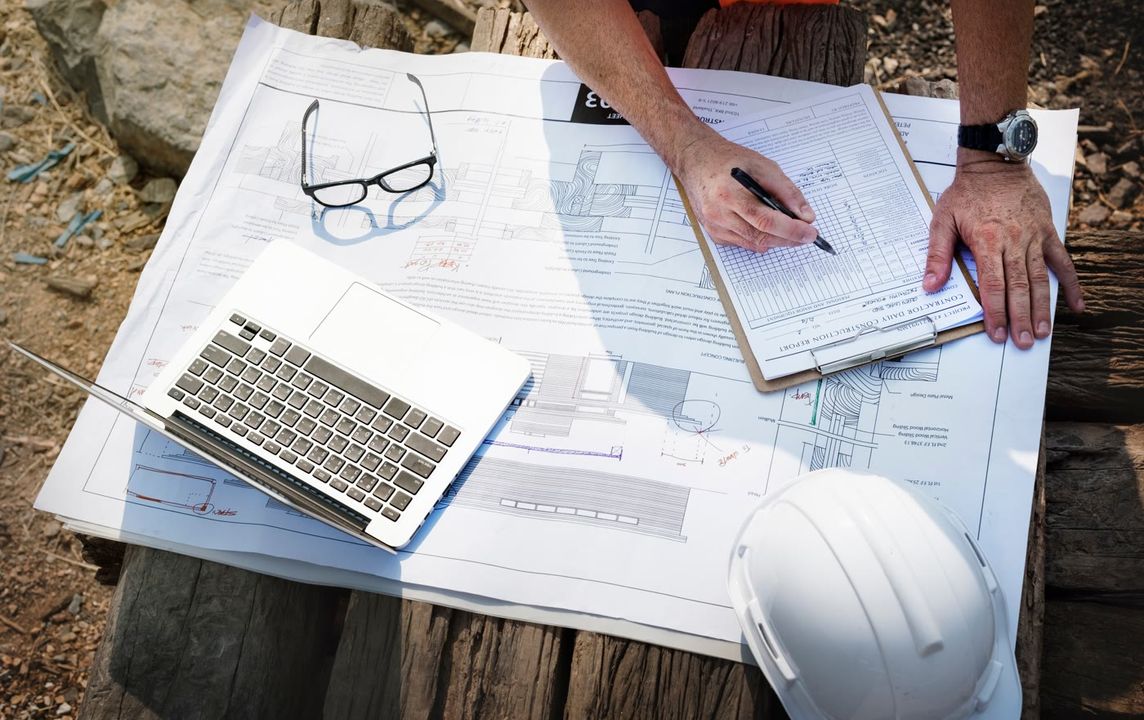
Most site managers juggle five different files just to answer one question — who's actually free today? PlanMee pulls workload, attendance and task ownership into a single view.



How to schedule employees
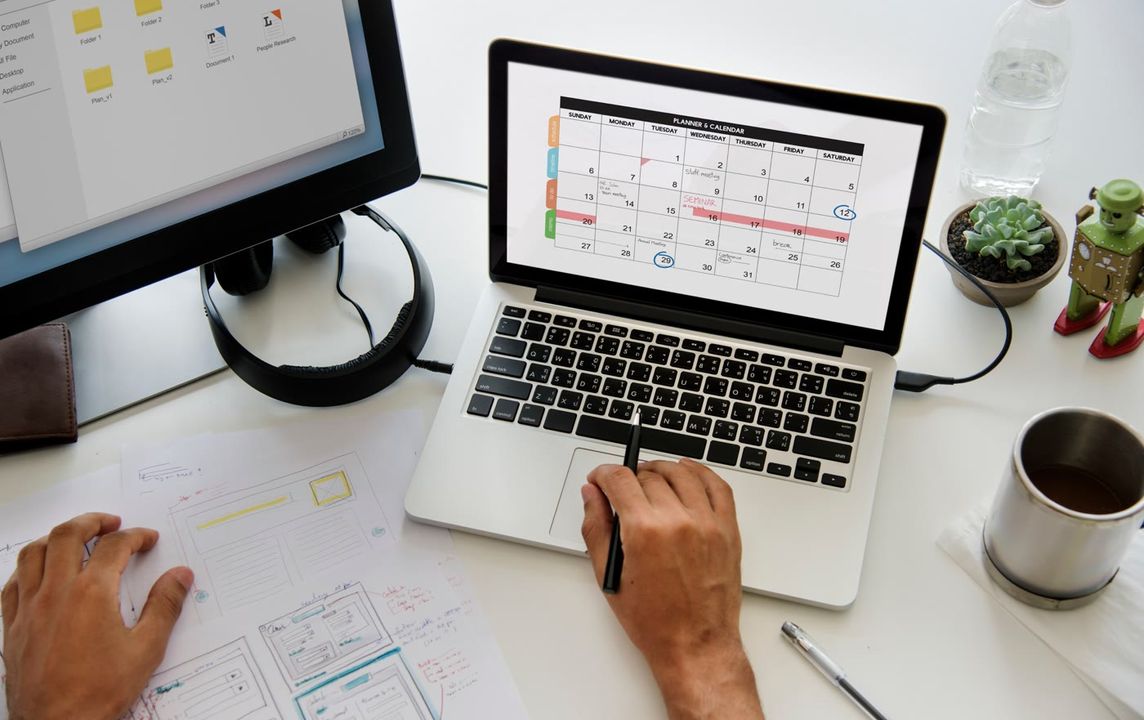
When every task lives in someone's head — or a group chat — things fall through the cracks. A visual board turns scattered to-dos into a schedule everyone can see and trust.



How to keep all your documents in one place
Contracts, drawings and site photos scattered across email and phone galleries cost time on every job. PlanMee keeps every document tied to its project, searchable in seconds.






How to schedule service visits
Service visits get missed when they only live on one person's calendar. PlanMee turns every visit into a shared, trackable job, with the right technician assigned automatically.


How to track project budgets
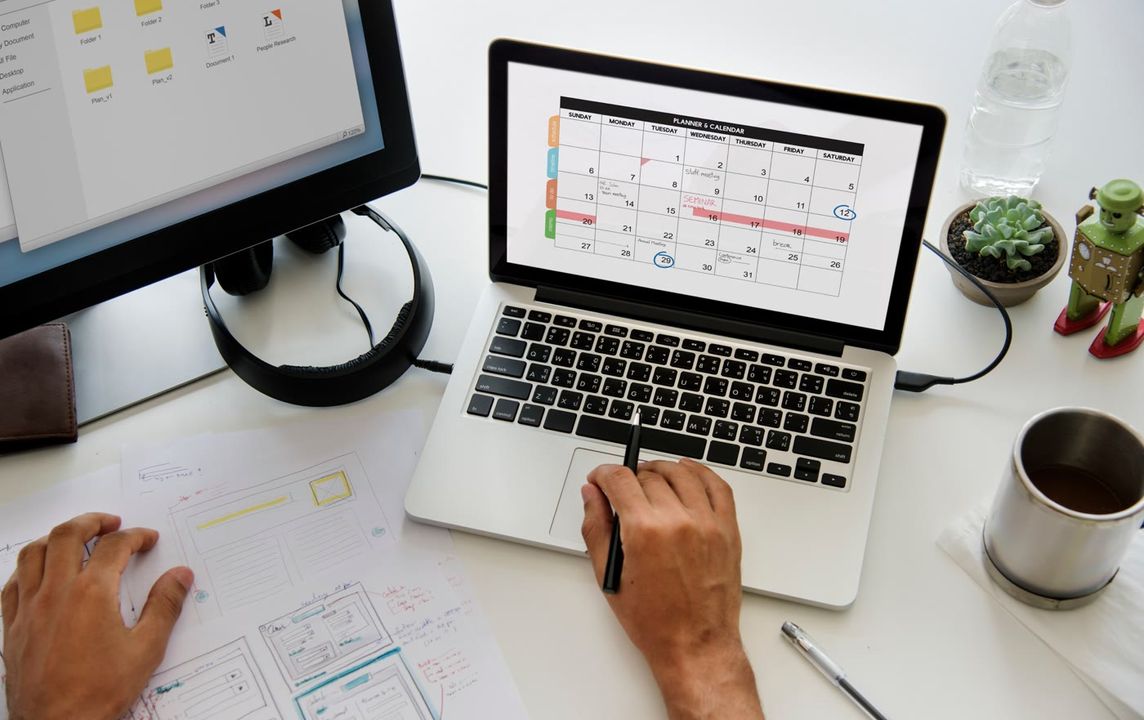
Budget overruns are rarely a surprise — they're a spreadsheet nobody updated in time. PlanMee compares planned vs. actual cost live, per job, so you catch the gap before it grows.





How to track employee attendance
Paper timesheets and end-of-week guesswork make payroll a chore. PlanMee logs check-ins automatically, by role, site or office.

How to use AI in project management
Writing status reports and chasing updates eats hours every week. PlanMee's AI assistant drafts reports, flags risks and suggests crew assignments.


How to manage multiple projects at once
Running five projects in five spreadsheets means nobody sees the full picture. PlanMee rolls every project into one portfolio view.



Frequently asked questions.
Not sure how something works? Check out the answers to our most frequently asked questions.
Yes. The Basic plan is free for 1 user with 50 MB of storage. No credit card is needed and you can add more users or storage whenever you need them.
Absolutely! PlanMee is designed to meet the needs of both small and large businesses, ensuring scalability.
Yes, you can easily upgrade your plan at any time to meet your growing business needs.
No. PlanMee runs in your web browser, so there is nothing to install. Getting started takes about 5 minutes, and step-by-step guides are available at docs.planmee.com.
Yes, PlanMee can integrate with a wide range of third-party software, including accounting, CRM, and other business tools.
Still looking for an answer?
Tell us how your company runs today and we will tell you honestly whether Planmee fits.
 [email protected]
 Ready to replace spreadsheet chaos with one unified system?
Create your first project in minutes and see how Planmee brings your projects, team and budget together.
