 Use casesUse case
How to track project budgets
Budget overruns are rarely a surprise — they're a spreadsheet nobody updated in time. PlanMee compares planned vs. actual cost live, per job, so you catch the gap before it grows.

Master project budgets in 5 simple steps
No complex setup or steep learning curve. See how PlanMee compares planned and actual costs on every job, as they happen.
Set a realistic budget before work starts.
The job budget captures expected revenue, labor and accommodation costs and other items, and calculates your expected margin. One-time costs, monthly extras and an editable hourly rate in the project tracker keep the plan close to reality.
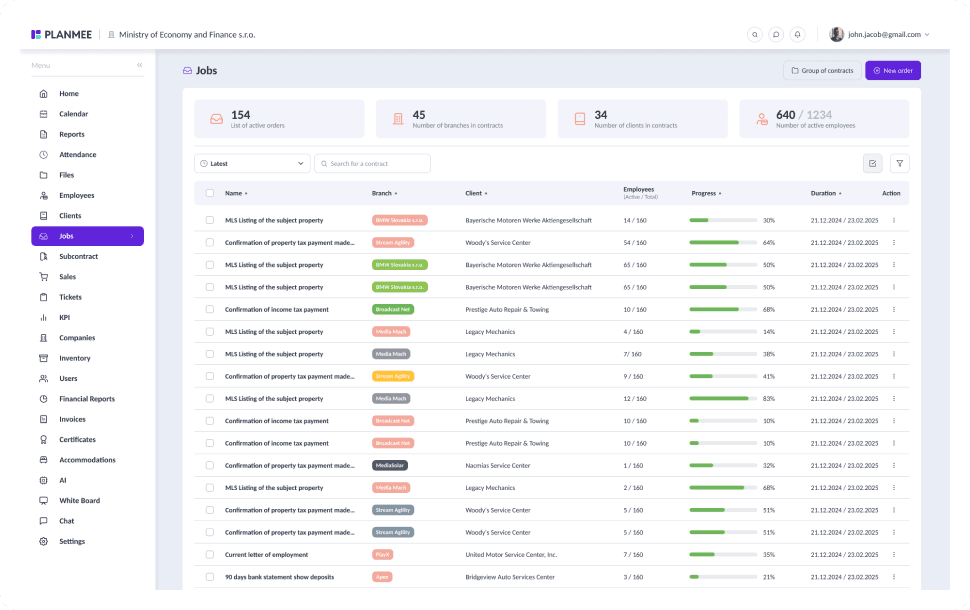


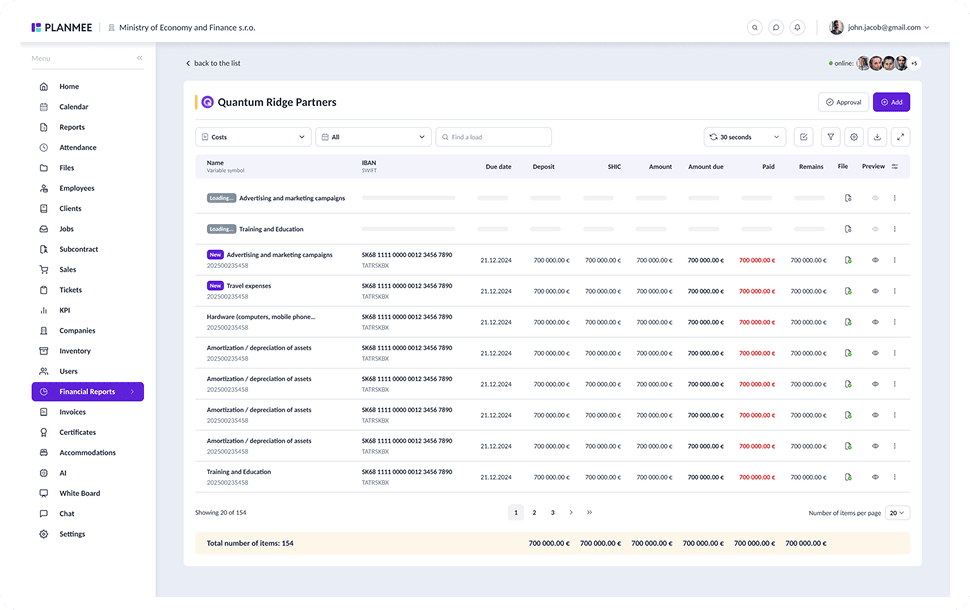
Record every cost where it happens.
Labor hours, material purchases, accommodation and subcontractor invoices are booked straight to the job, with multiple attachments as proof. Bank statement import matches transactions to existing items, so nothing is typed twice.





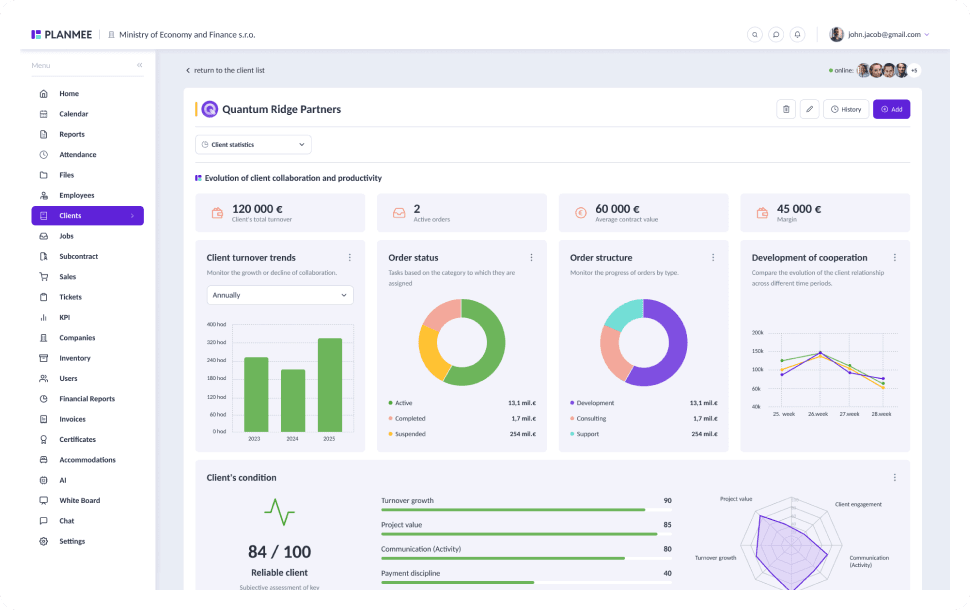
Compare plan and reality every month.
The project tracker compares your plan against the costs and revenue actually booked in the financial report. A health banner, financial KPIs and a trend chart show at a glance whether the job is still on budget.




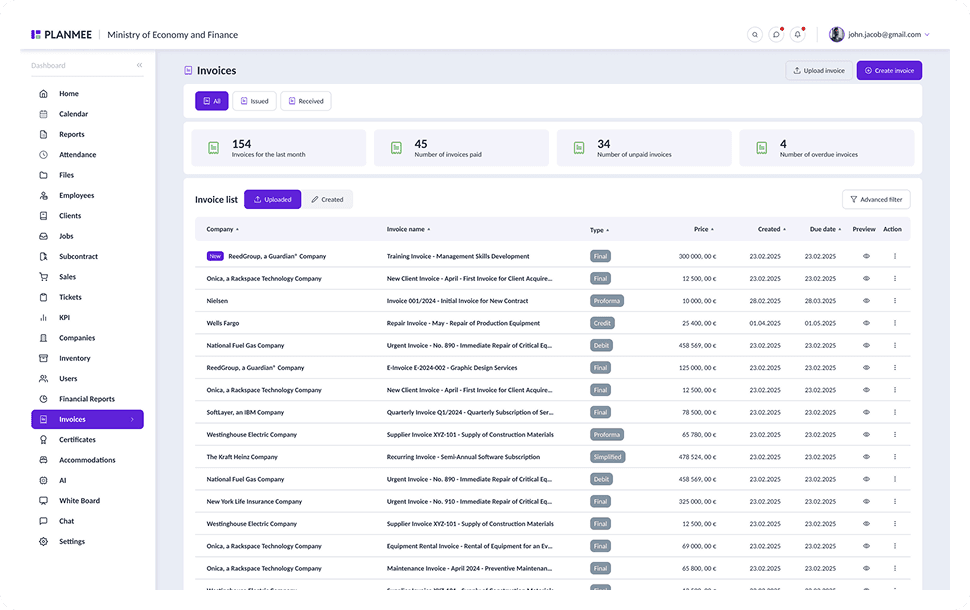
Approve spending before it hits the books.
Every new cost and invoice can go to an approver first, with two-stage approval and a full audit trail. Month lock keeps closed periods untouched, so the numbers you have reported stay the numbers on record.


Spot the leak before it eats your margin.
Financial statistics break down revenue, costs, profit and margin by job, client and category, compared with the previous period. Receivables and payables aging shows what's still open, so you can act before a gap turns into a loss.
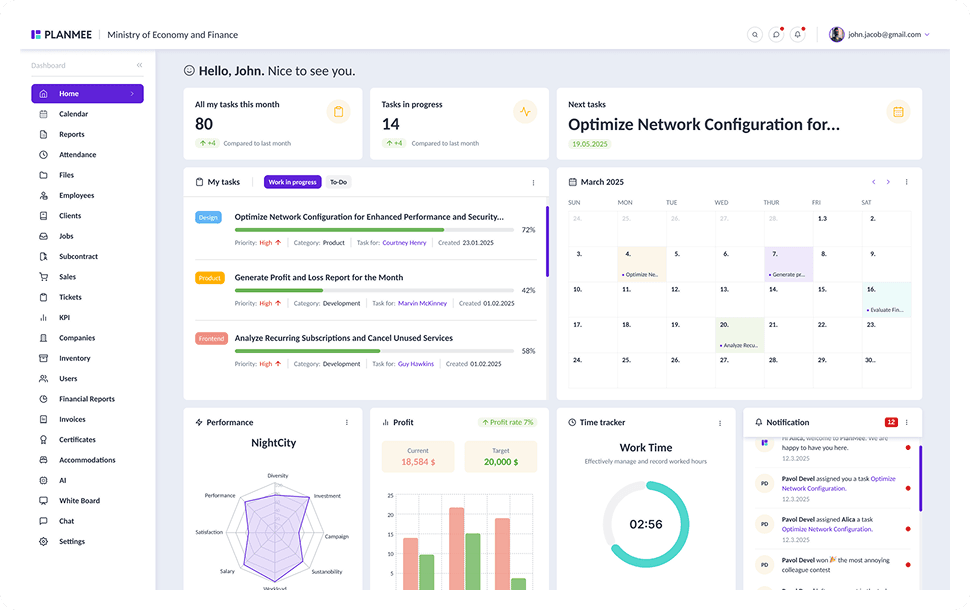





Tracking budgets should be simple.
PlanMee compares planned and actual costs on every job, live.
Budget Planning
 Before PlanMee
Budgets in separate spreadsheets
 With PlanMee
Job budget with expected margin
Cost Capture
Before PlanMeeReceipts collected at month end
With PlanMeeCosts booked to the job right away
Plan vs. Actual
Before PlanMeeCompared after the job is done
With PlanMeeLive plan vs. actual per job
Approvals
Before PlanMeeInvoices paid without sign-off
With PlanMeeApprover for every cost and invoice
Closed Periods
Before PlanMeePast months edited after reporting
With PlanMeeMonth lock keeps numbers final
Profitability
Before PlanMeeMargins known too late
With PlanMeeProfit per job, client and category
Ready to replace spreadsheet chaos with one unified system?
Create your first project in minutes and see how Planmee brings your projects, team and budget together.
