 Use casesUse case
How to track employee attendance
Paper timesheets and end-of-week guesswork make payroll a chore. PlanMee logs check-ins automatically, by role, site or office.

Master attendance tracking in 5 simple steps
No complex setup or steep learning curve. See how PlanMee turns check-ins into payroll-ready hours without paper timesheets.
Let crews check in where the work happens.
Workers check in from their phone or tablet on site or in the office, and PlanMee records who is where and for how long. No paper sheets to collect from the site office and no guesswork at the end of the week.
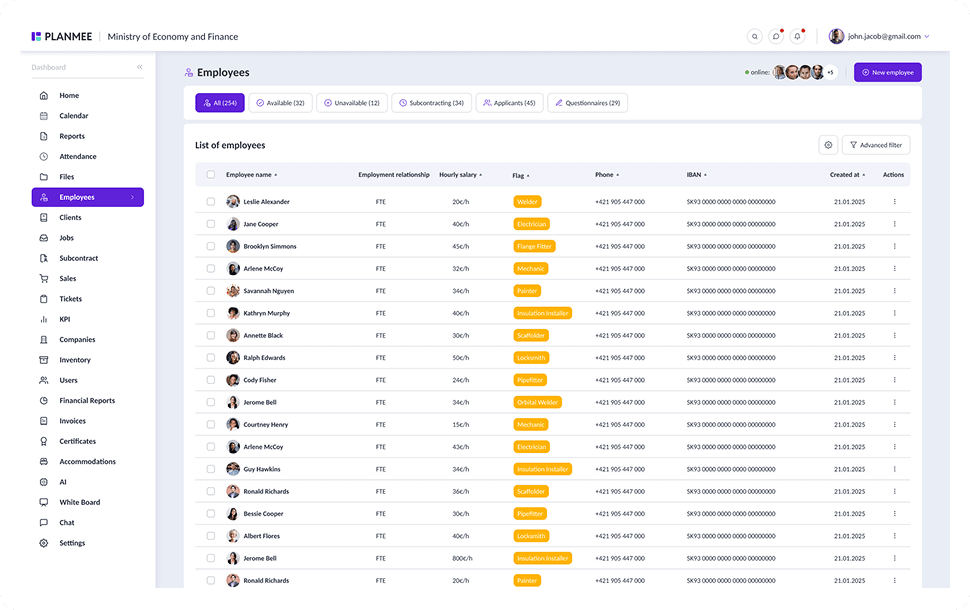



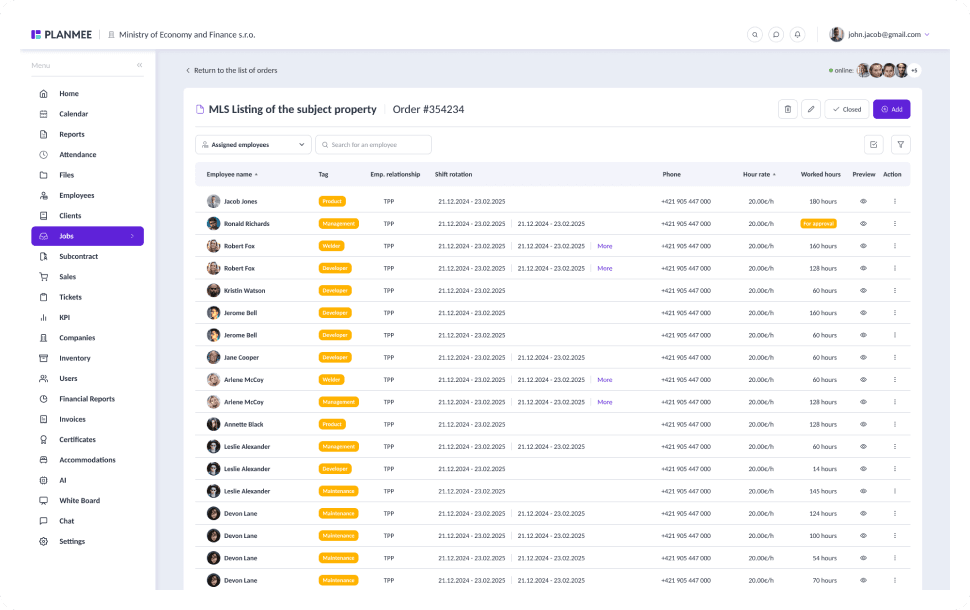
Connect every hour to the job it belongs to.
Assign employees and subcontractor groups to jobs, and their hours land on the right project. Assigning a group sets the right work category automatically, so project managers always know who worked where and for how long.


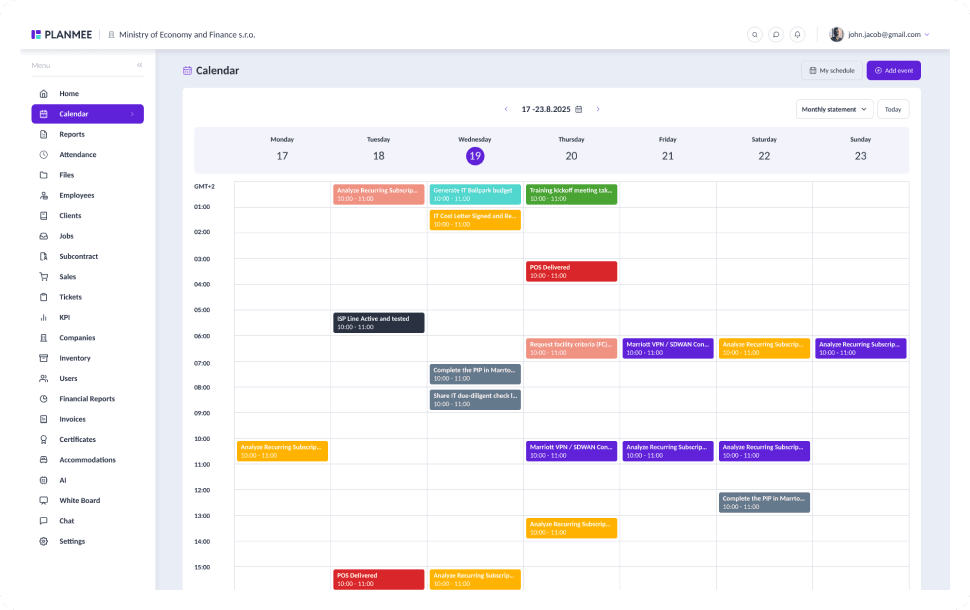
See who's away before you plan the day.
Leave requests are approved in a click, and employees are notified whenever the status changes. Absences show up in the shared calendar next to deadlines and site events, so you can plan crews around the gaps.


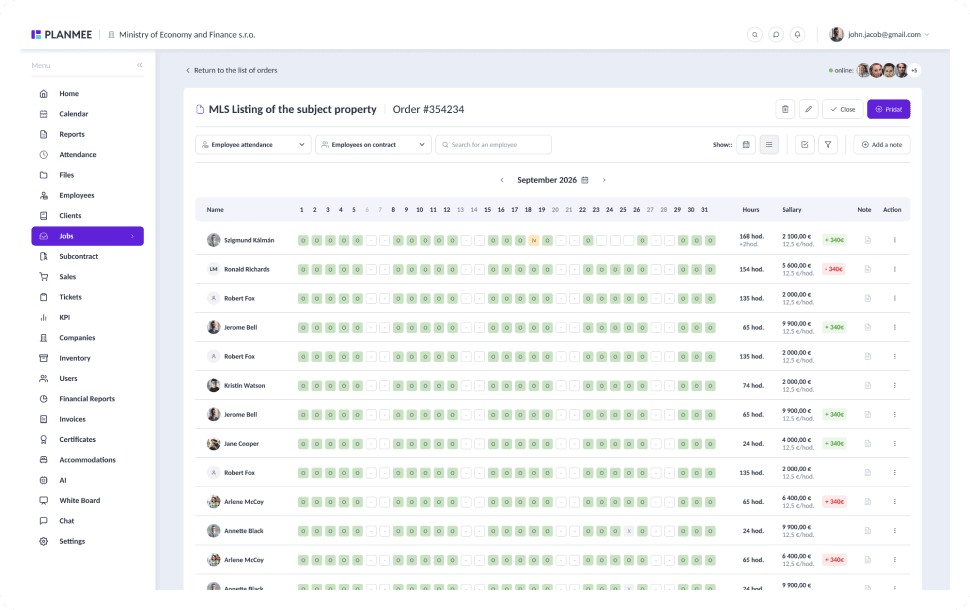
Review the whole month at a glance.
The month matrix shows every employee and day in one grid, with inline editing, color-coded totals and absence marking. A change history on work hours shows who changed what and when, so every correction stays traceable.


Turn hours into accurate payroll and job costs.
Work hours flow into wage documents in the financial report, booked to the right job and labelled with the worker's name. Payroll gets clean numbers, every project sees its true labor cost, and month lock keeps closed periods final.


Tracking attendance should be simple.
PlanMee turns check-ins into payroll-ready hours in one platform.
Check-ins
 Before PlanMee
Paper sheets on site
 With PlanMee
Check-in from any phone
Working Hours
Before PlanMeeEnd-of-week guesswork
With PlanMeeHours logged automatically
Absences
Before PlanMeeLeave tracked in a separate file
With PlanMeeLeave and absences in one calendar
Corrections
Before PlanMeeChanges nobody can trace
With PlanMeeFull change history on work hours
Payroll
Before PlanMeeTimesheets retyped for payroll
With PlanMeePayroll-ready hours at month end
Labor Costs
Before PlanMeeLabor cost per job unknown
With PlanMeeWages booked to the right job
Ready to replace spreadsheet chaos with one unified system?
Create your first project in minutes and see how Planmee brings your projects, team and budget together.
