 Use casesUse case
How to use AI in project management
Writing status reports and chasing updates eats hours every week. PlanMee's AI assistant drafts reports, flags risks and suggests crew assignments.

Master AI-powered project management in 5 simple steps
No complex setup or steep learning curve. See how PlanMee's AI assistant turns your project data into answers, reports and next steps.
Ask about your projects in plain language.
The AI assistant understands the context of your workspace. Ask about projects, finances or your team the way you'd ask a colleague — semantic search finds the right records even when you don't know the exact term.
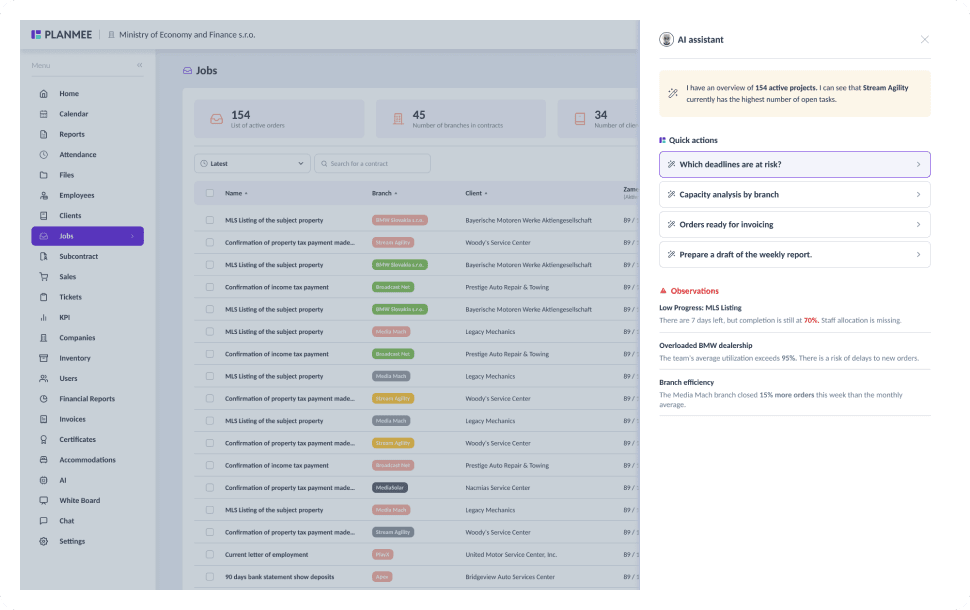

Spot the projects that are slipping.
Ask which deadlines are at risk and the assistant points to jobs with low progress, missing staff or an overloaded team, so you can step in days before a delay turns into a missed handover.
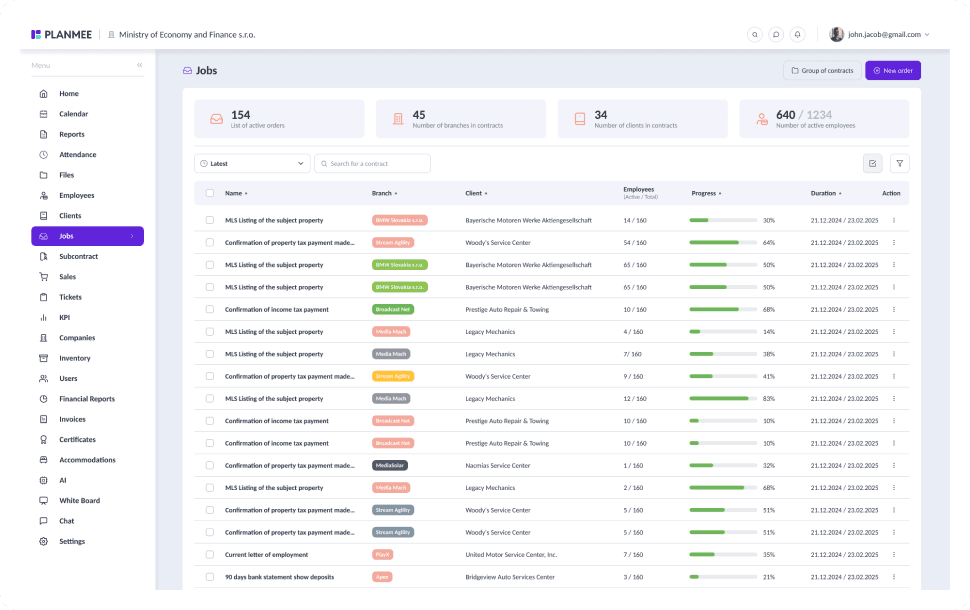


Plan crews with real capacity in mind.
Run a capacity analysis by branch or team to see who is overloaded and who has room for more work. Use the answer to rebalance crews and assign the right people before you commit to new orders.
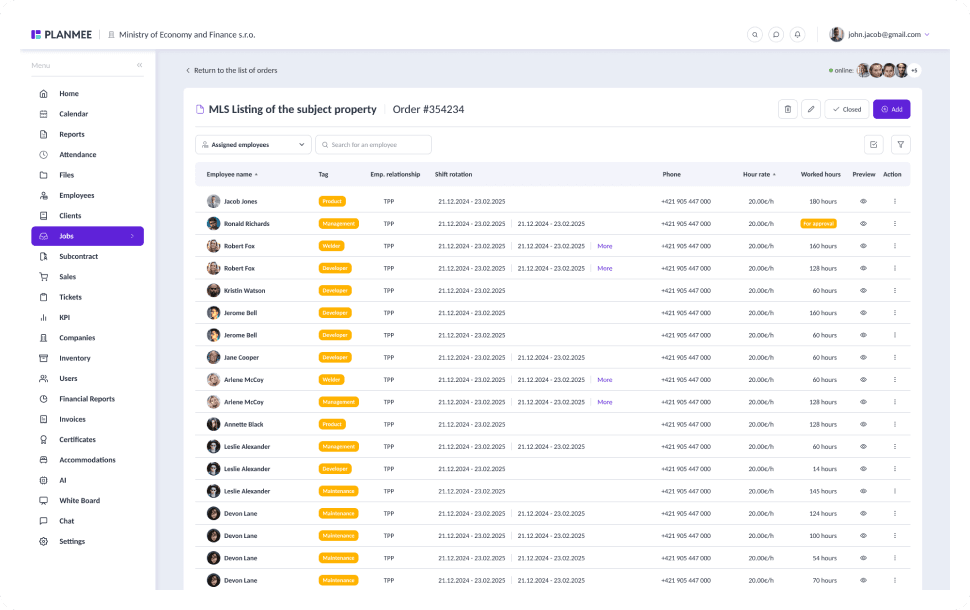



Let AI write the first draft of your report.
Ask the assistant to prepare a draft of the weekly report, then refine it in the block editor instead of starting from a blank page. Summaries of progress, costs and open tasks are ready in minutes, not hours.
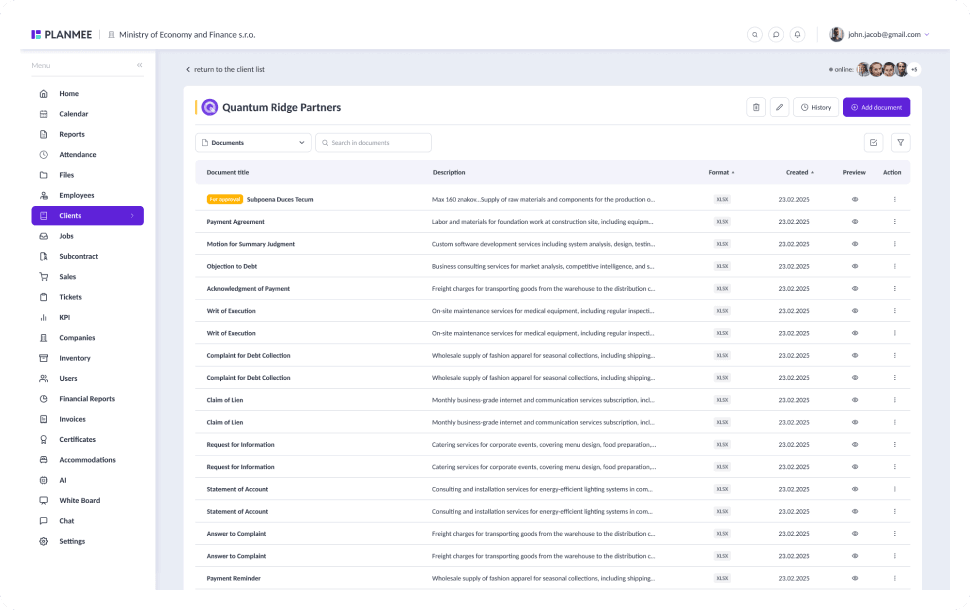
Turn answers into next steps.
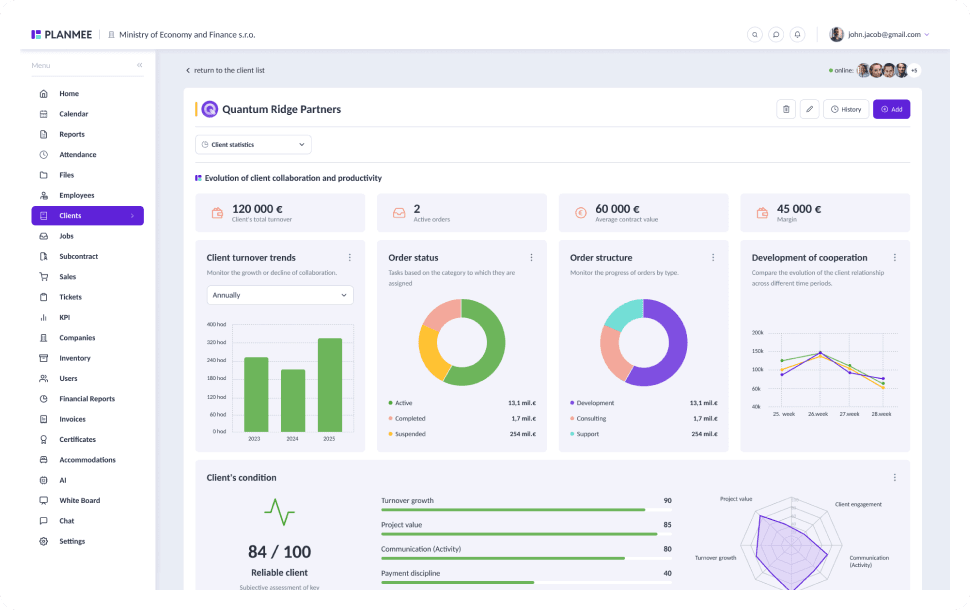
Ask which orders are ready for invoicing, or let the assistant explain a chart or table you're unsure about. The AI assistant is available on the Max and Enterprise plans, and MCP API tokens let you connect PlanMee to your own AI tools.
Getting answers should be simple.
PlanMee's AI assistant works with the data already in your workspace.
Status Reports
 Before PlanMee
Written by hand every week
 With PlanMee
Drafted by AI in minutes
Finding Information
Before PlanMeeDigging through tables and files
With PlanMeeAsk in plain language, get answers
Risk Detection
Before PlanMeeDelays noticed too late
With PlanMeeAt-risk deadlines flagged early
Capacity Planning
Before PlanMeeGuessing who has time
With PlanMeeUtilization analysis by team
Invoicing
Before PlanMeeBillable orders slip through
With PlanMeeOrders ready for invoicing at a glance
Data & Reports
Before PlanMeeCharts nobody has time to read
With PlanMeeCharts and tables explained by AI
Ready to replace spreadsheet chaos with one unified system?
Create your first project in minutes and see how Planmee brings your projects, team and budget together.
