 Use casesUse case
How to schedule service visits
Service visits get missed when they only live on one person's calendar. PlanMee turns every visit into a shared, trackable job, with the right technician assigned automatically.

Master service visits in 5 simple steps
No complex setup or steep learning curve. See how PlanMee turns every service visit into a shared job your whole team can track.
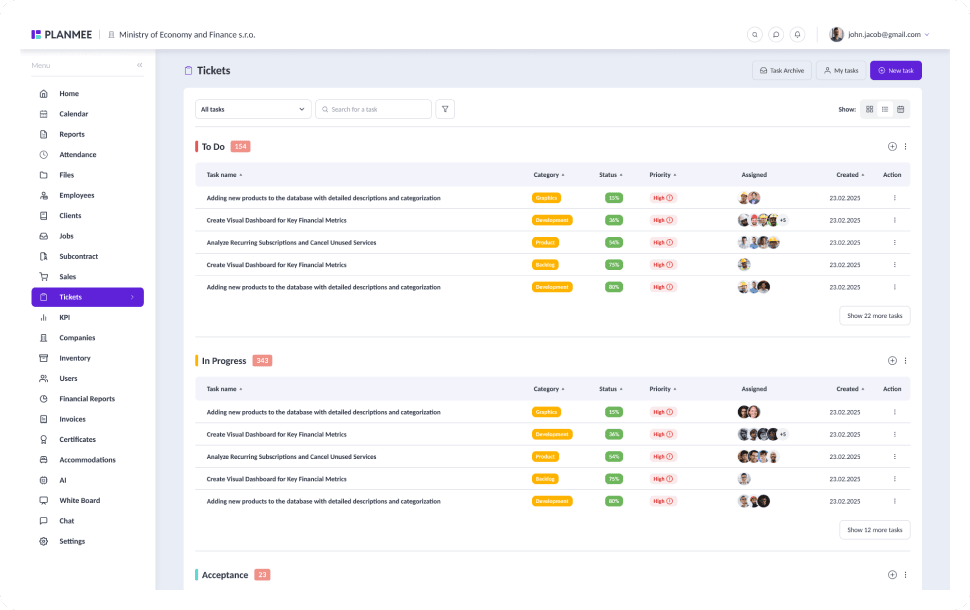
Capture every request before it gets lost.
Log incoming service requests as tickets in seconds, from anywhere in the app with Quick Add. Custom categories and statuses match how your service team already works, and every ticket stays linked to the client it belongs to.


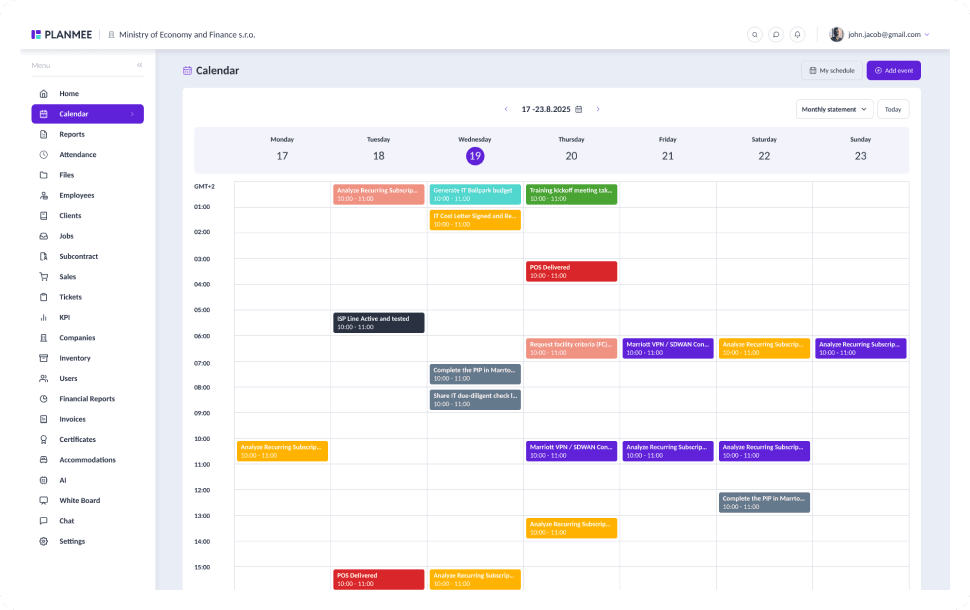
Put every visit on a calendar everyone can see.
Plan visits in a shared calendar with day, week and list views instead of one person's diary. Technicians, dispatchers and the office all see the same schedule, so nobody double-books a technician or forgets a follow-up.


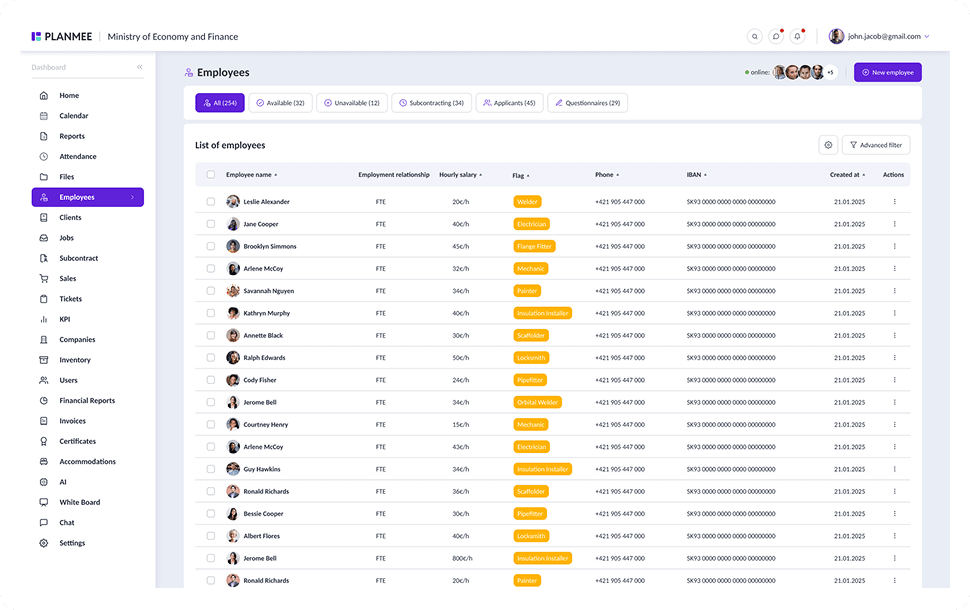
Send the right technician every time.
Assign each visit to a technician or a whole employee group, and check their certificates and qualifications before they head out. The assignee is notified straight away, and the full history stays on the ticket.



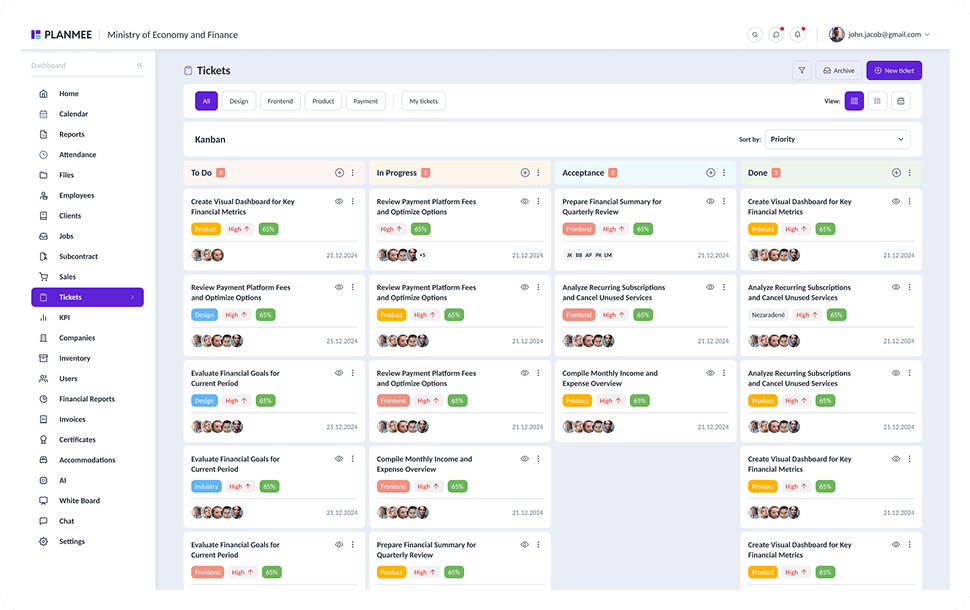
Close the visit while you're still on site.
Technicians update the ticket from their phone, attach photos and log the hours worked. Reports with attachments document every visit, so the office knows exactly what was done without a single follow-up call.


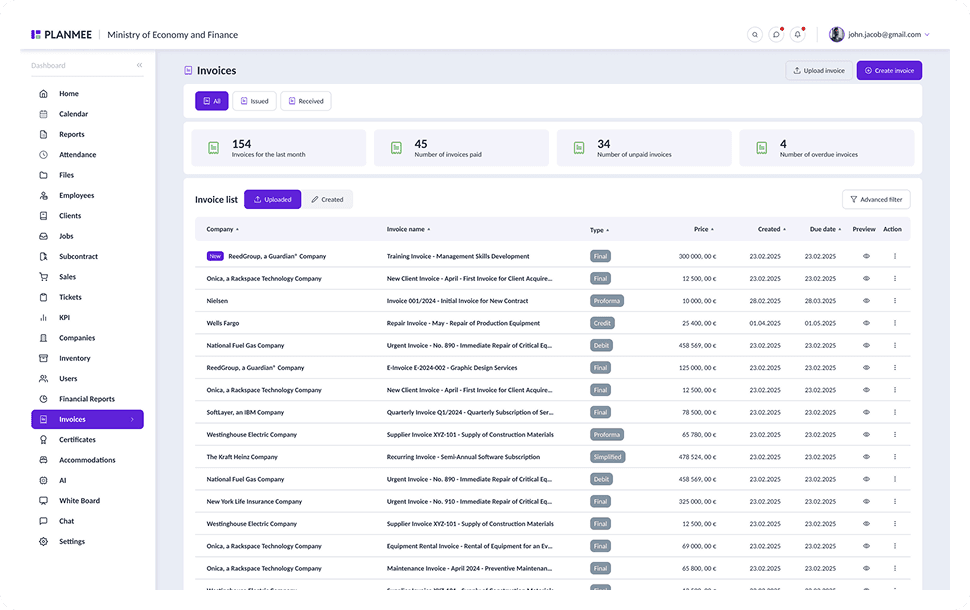
Turn finished visits into invoices.
Logged hours and costs flow into the job, so invoices are created from real data instead of retyped notes. Recurring invoices cover service contracts automatically, and each client's visit history is always one click away.


Scheduling service visits should be simple.
PlanMee brings requests, technicians and invoices into one platform.
Service Requests
 Before PlanMee
Requests lost in calls and emails
 With PlanMee
Every request logged as a ticket
Scheduling
Before PlanMeeVisits in one person's calendar
With PlanMeeShared calendar for the whole team
Technician Assignment
Before PlanMeeWhoever picks up the phone
With PlanMeeQualified technician assigned
Site Reports
Before PlanMeeNotes on paper, typed up later
With PlanMeeHours and photos logged on site
Client History
Before PlanMeePast visits hard to trace
With PlanMeeFull history on every client
Invoicing
Before PlanMeeBilling delayed by missing notes
With PlanMeeInvoices from logged work
Ready to replace spreadsheet chaos with one unified system?
Create your first project in minutes and see how Planmee brings your projects, team and budget together.
