 Use casesUse case
How to keep all your documents in one place
Contracts, drawings and site photos scattered across email and phone galleries cost time on every job. PlanMee keeps every document tied to its project, searchable in seconds.

Master your documents in 5 simple steps
No complex setup or steep learning curve. See how PlanMee keeps every contract, drawing and certificate where your team can find it.
Give every document a home on the project.
Upload contracts, drawings and site photos straight to the job they belong to. Categorized uploads and category tabs keep plans, permits and photos apart, and every file can be previewed right in the app — no downloads needed.
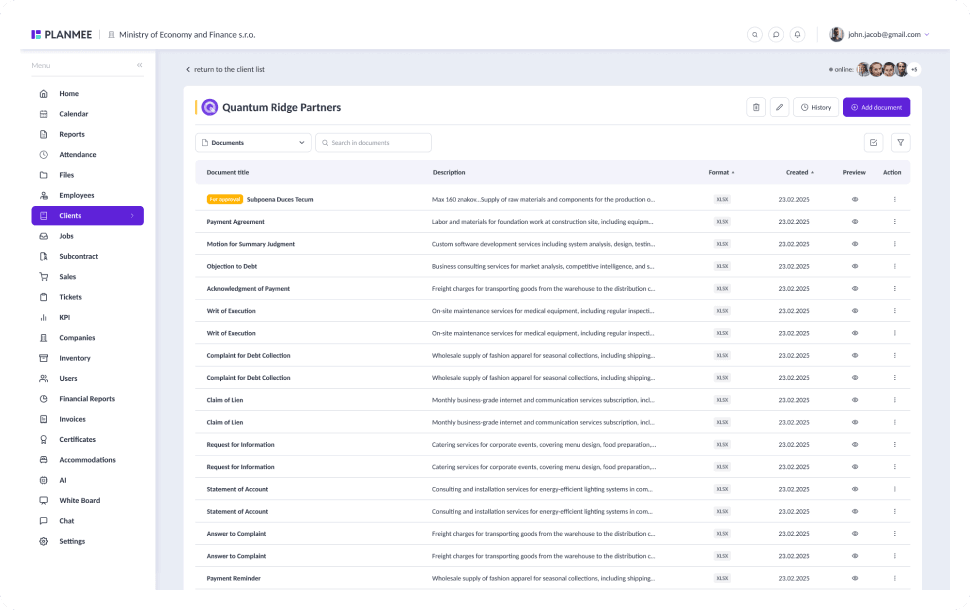
Keep files next to the work they describe.
Documents don't need a separate folder tree. Attach them to clients, employees, costs and reports, so the delivery note sits next to the cost it proves and the signed contract sits next to the client.
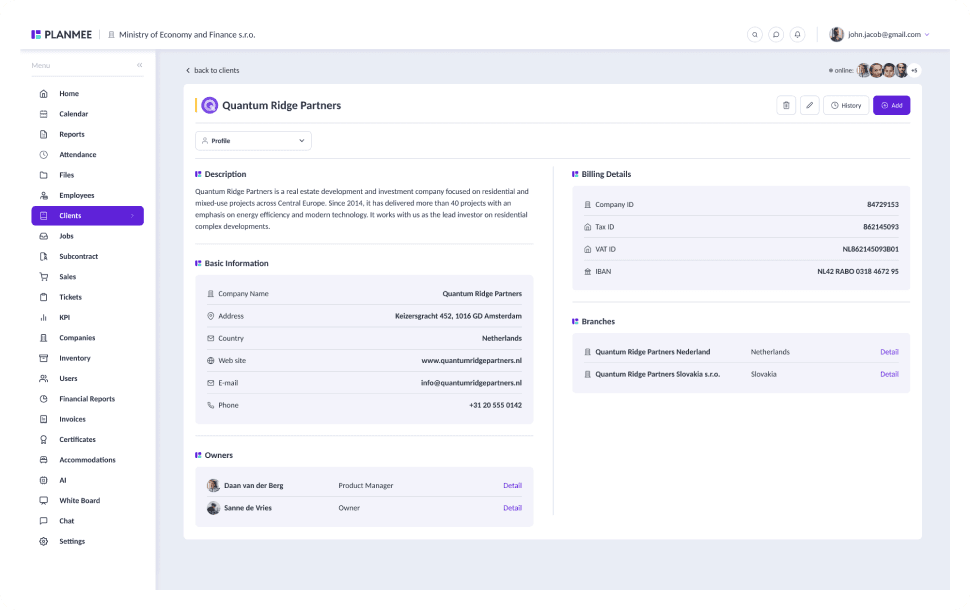


Catch expiring documents before they stop the job.
Documents & Credentials tracks validity dates for certificates, permits and qualifications. Plan a renewal, assign a responsible person and PlanMee reminds them in time, while the "not expired" filter hides lapsed items with one click.
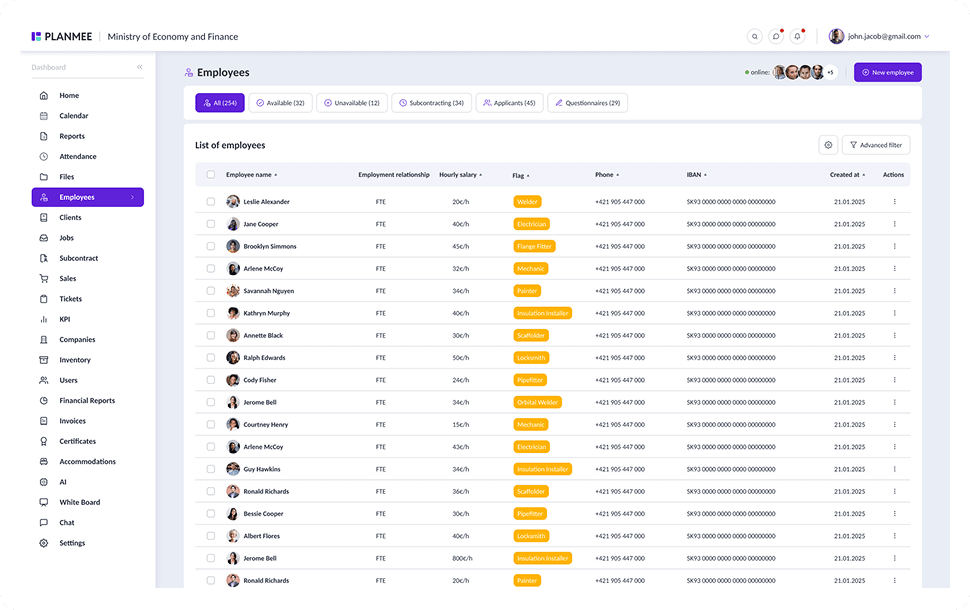



Control who signs off and who can see what.
Send costs and invoices to an approver, with a full audit trail of who approved what and when. Mark sensitive files as internal, so only authorized users can open them and they never appear in the client portal.
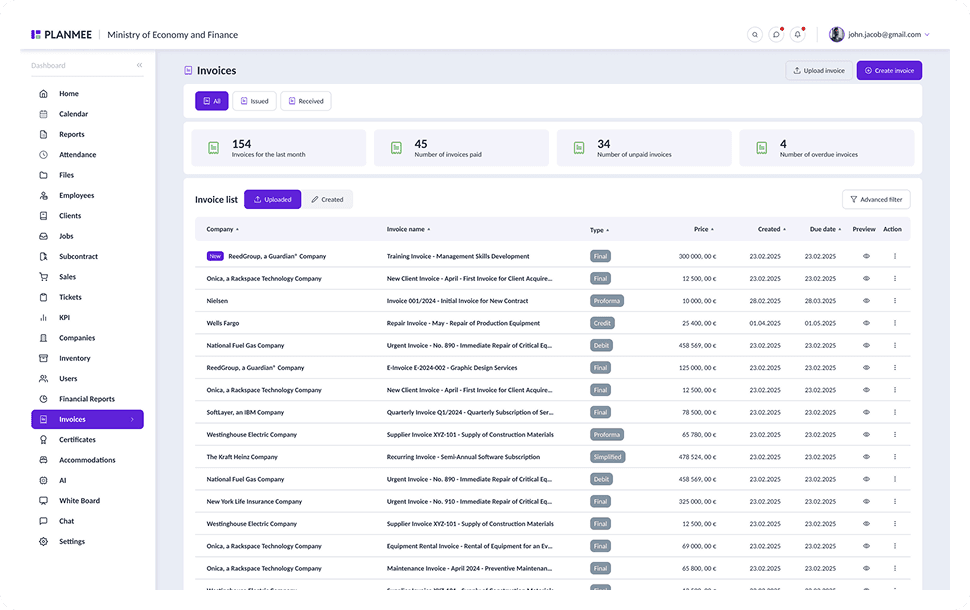


Find any document in seconds, not hours.
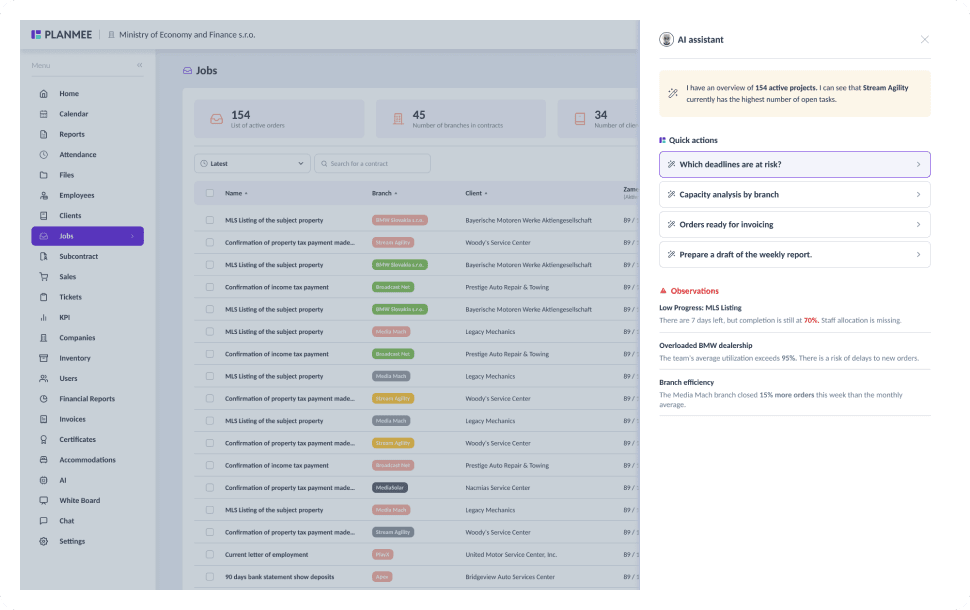
Saved filters and full-text search take you straight to the file you need. The AI assistant searches semantically, so you can describe what you're looking for instead of guessing the exact file name.

Managing documents should be simple.
PlanMee keeps every file tied to the work it belongs to.
File Storage
 Before PlanMee
Files in emails and phone galleries
 With PlanMee
Every file tied to its project
Drawings & Revisions
Before PlanMeeOutdated printouts on site
With PlanMeeLatest revision on any device
Certificates & Permits
Before PlanMeeExpiry dates in someone's diary
With PlanMeeRenewal reminders in time
Approvals
Before PlanMeeSignatures chased by email
With PlanMeeApproval workflow with audit trail
Access Control
Before PlanMeeSensitive files shared by accident
With PlanMeeInternal files for authorized users
Search
Before PlanMeeDigging through folders
With PlanMeeFound in seconds with search & AI
Ready to replace spreadsheet chaos with one unified system?
Create your first project in minutes and see how Planmee brings your projects, team and budget together.
