 Use casesUse case
How to schedule employees
When every task lives in someone's head — or a group chat — things fall through the cracks. A visual board turns scattered to-dos into a schedule everyone can see and trust.
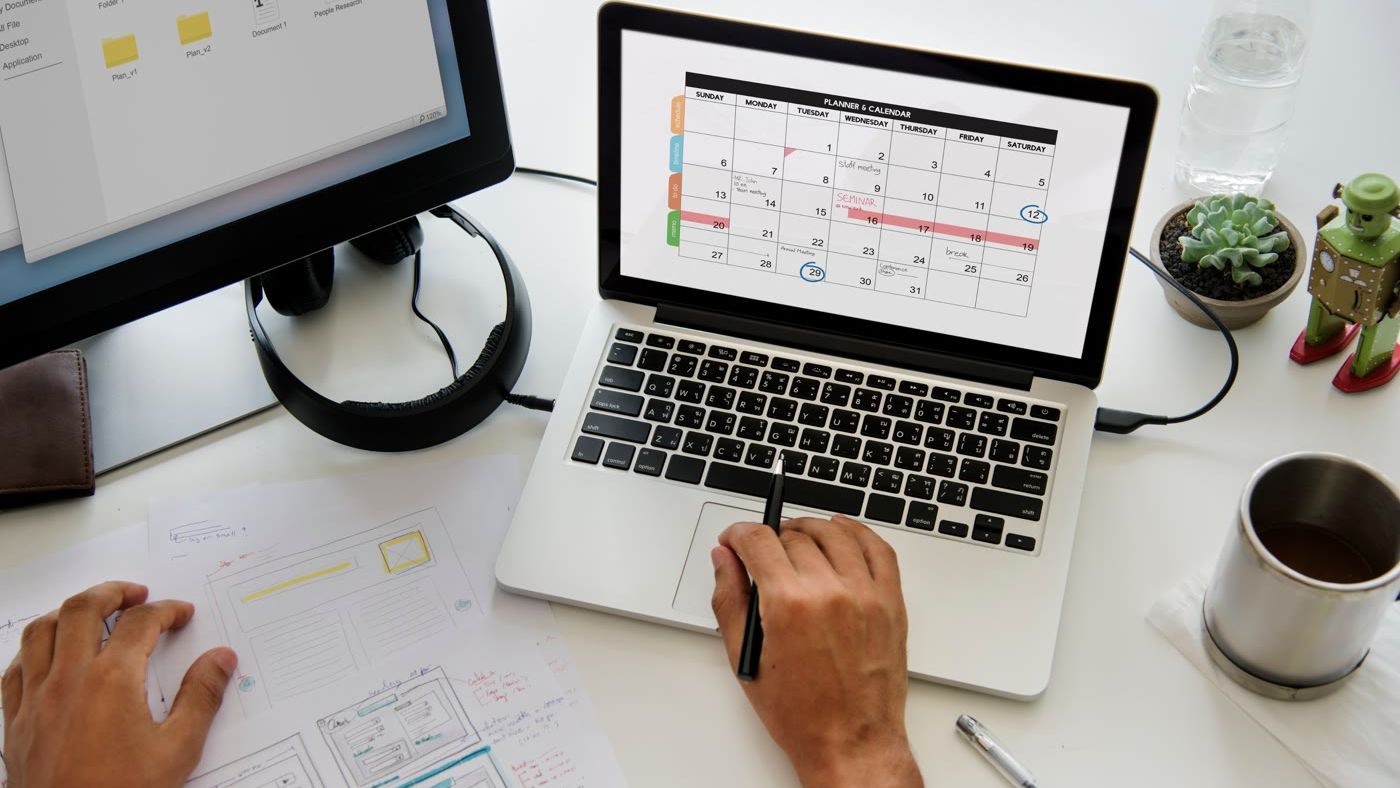
Master employee scheduling in 5 simple steps
No complex setup or steep learning curve. See how PlanMee turns scattered to-dos into a schedule your whole team can see and trust.
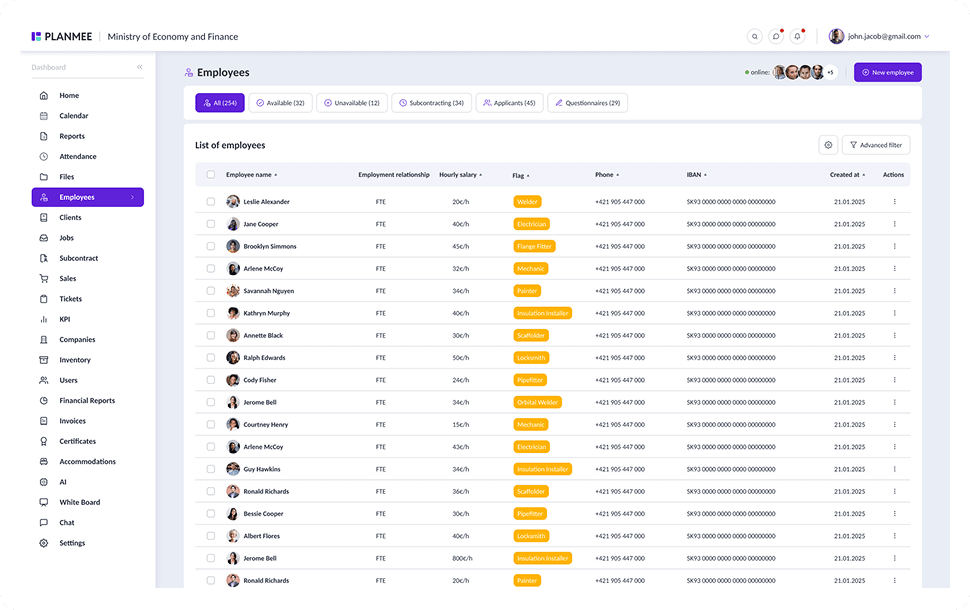
Know your team before you plan their week.
Start with one up-to-date database of your workforce. Every employee profile holds the role, hourly rate, contracts, certificates and qualifications, so you know exactly who can do which job before a single name goes on the schedule.



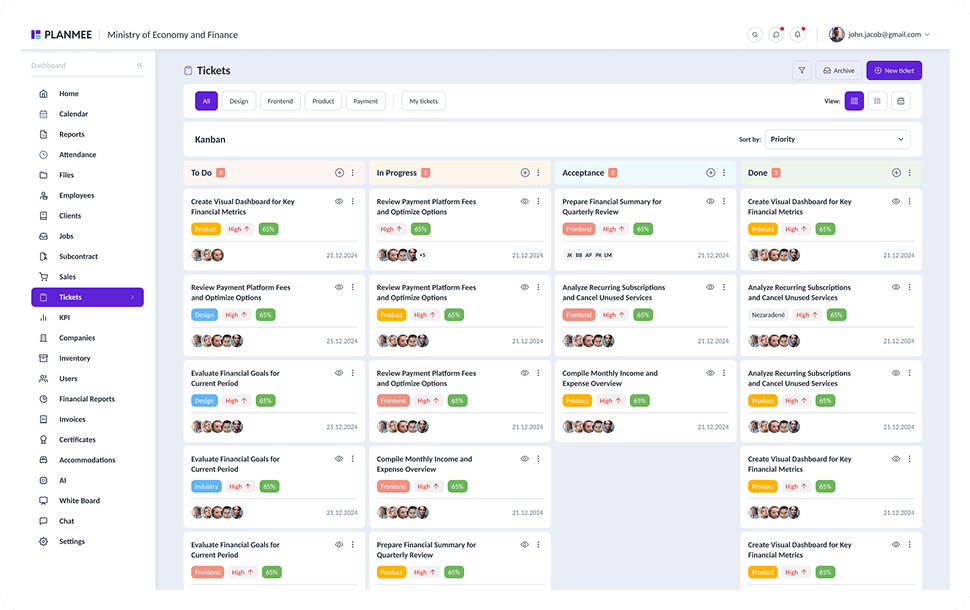
Turn scattered to-dos into a visual plan.
Break every job into tasks on a visual Kanban board. Give each task an owner, a priority and a due date, so the work that used to live in someone's head or a group chat becomes a plan the whole team can see.


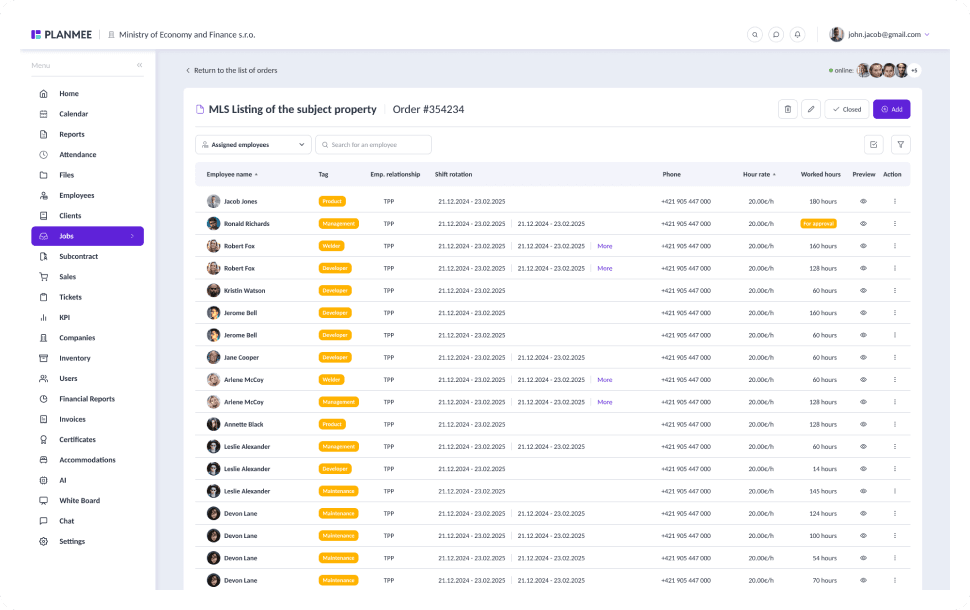
Put the right people on the right job.
Assign employees and subcontractor groups straight to the job and see who is already working where. Certificates with validity dates make sure only qualified people get scheduled, and co-owners share responsibility for larger jobs.


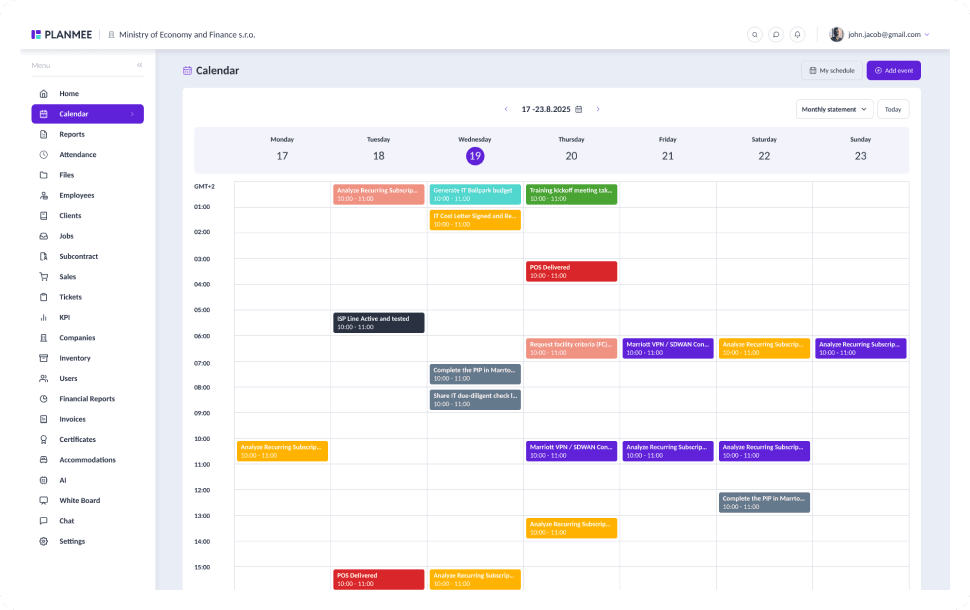
Plan around absences, not into them.
Leave requests are approved in a click, and employees are notified whenever the status changes. Absences sit in the shared calendar next to deadlines, meetings and site events, so gaps show up before you plan the week.


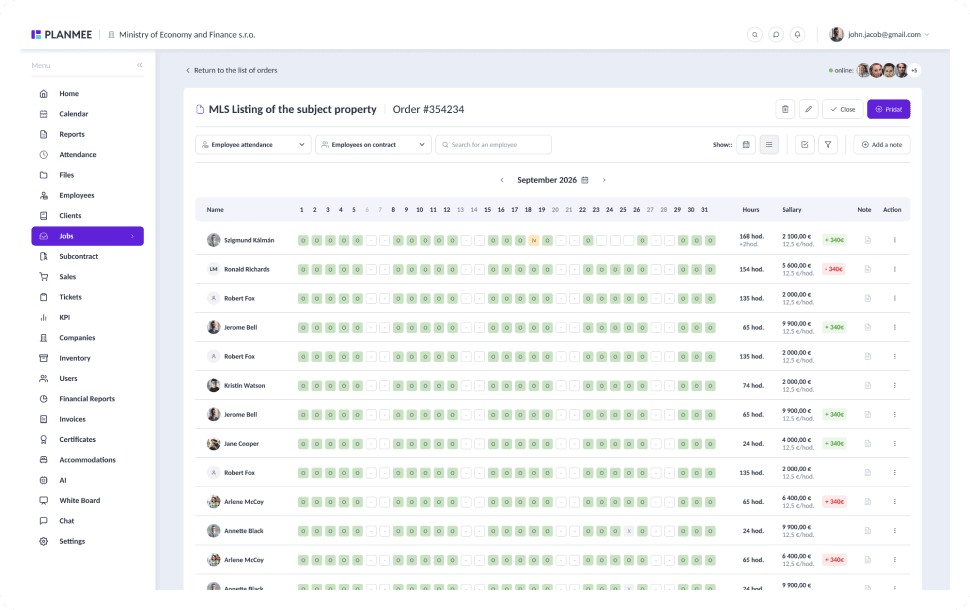
See how the plan played out in real hours.
Attendance and work hours flow back to every job, so you can compare the schedule with what really happened. The month matrix shows hours per employee and day and helps you spot overloaded people before you plan the next week.


Scheduling employees should be simple.
PlanMee brings your people, tasks and calendar into one platform.
Task Planning
 Before PlanMee
To-dos in heads and group chats
 With PlanMee
Visual board with clear owners
Crew Assignment
Before PlanMeeCalling around to find who's free
With PlanMeeLive view of who works where
Qualifications
Before PlanMeeCertificates checked too late
With PlanMeeValid certificates before assignment
Absences
Before PlanMeeLeave tracked in a separate file
With PlanMeeLeave and events in one calendar
Working Hours
Before PlanMeeTimesheets collected at month end
With PlanMeeHours logged to every job
Team Communication
Before PlanMeeSchedule changes lost in WhatsApp
With PlanMeeComments and notifications on tasks
Ready to replace spreadsheet chaos with one unified system?
Create your first project in minutes and see how Planmee brings your projects, team and budget together.
