 Use casesUse case
How to manage a construction project
Most site managers juggle five different files just to answer one question — who's actually free today? PlanMee pulls workload, attendance and task ownership into a single view.
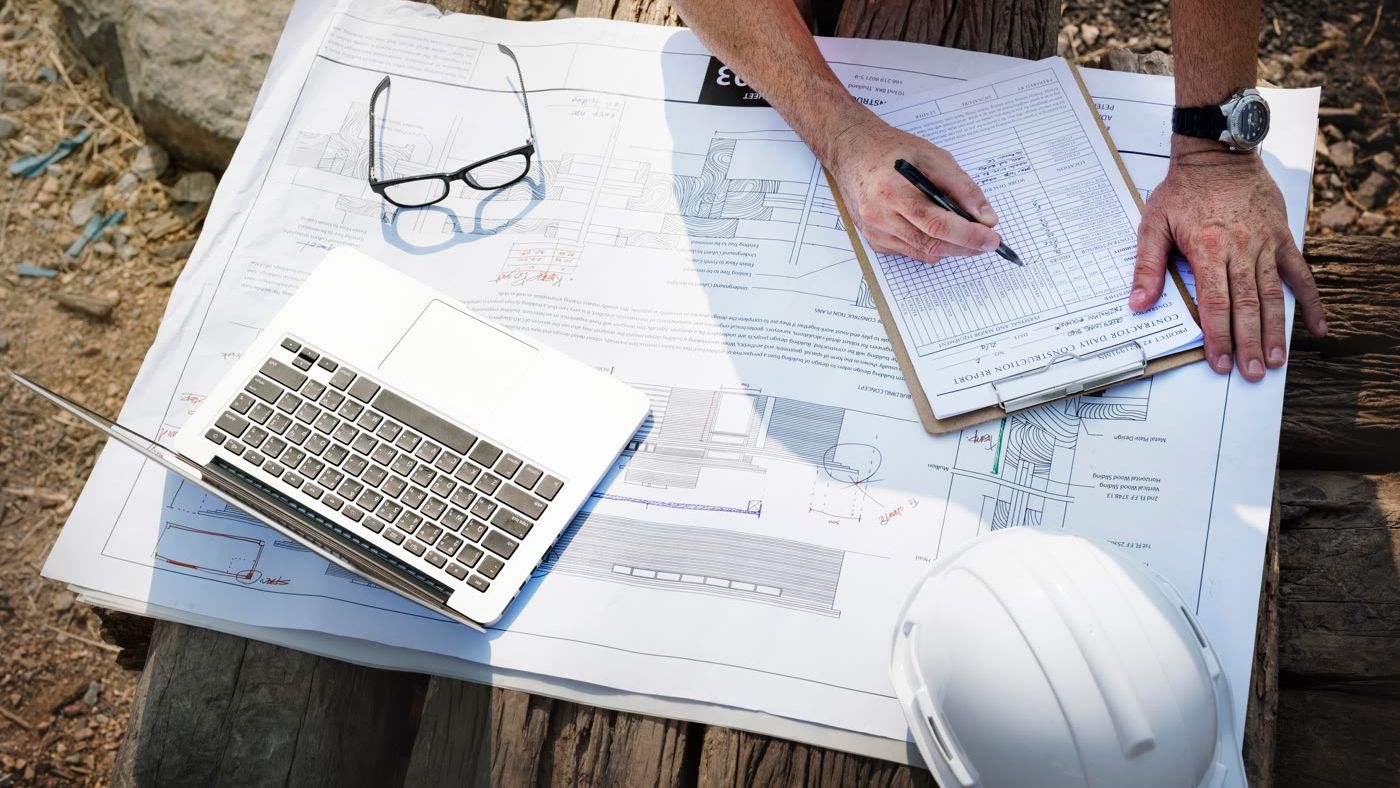
Master your project in 5 simple steps
No complex setup or steep learning curve. See how PlanMee connects every phase of your project into one effortless workflow.
Build the project before the work begins.
PlanMee replaces messy spreadsheets with a structured project roadmap. Easily break down complex construction scopes into phase-by-phase deliverables, set critical path milestones, and assign clear task ownership before your team ever steps onto the job site.
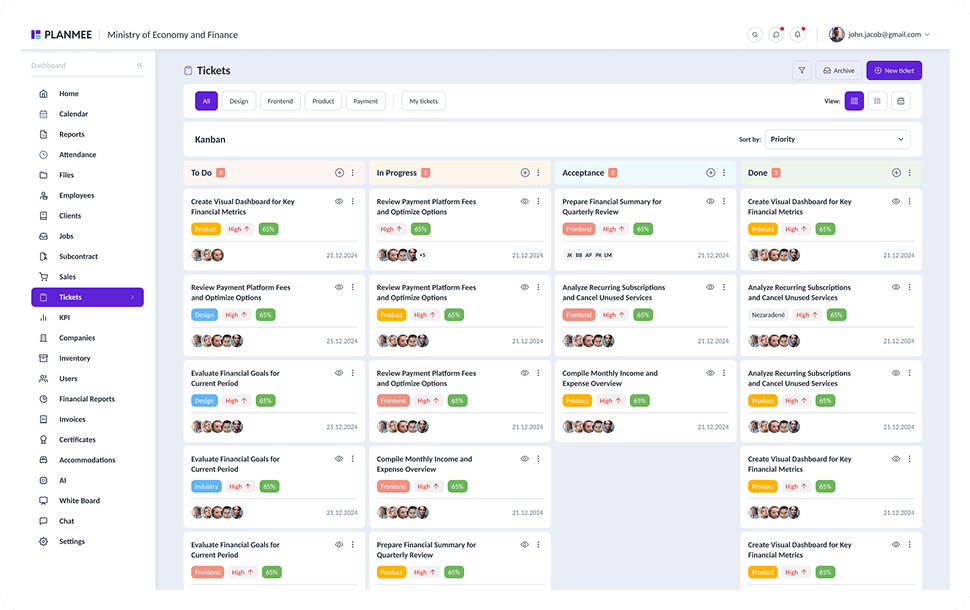


Assign the right people and plan their work.
Gain complete visibility over crew capacity across all active job sites. Drag and drop shift schedules, match certified workers to specific project demands, and instantly eliminate double-booking or costly workforce idle time.
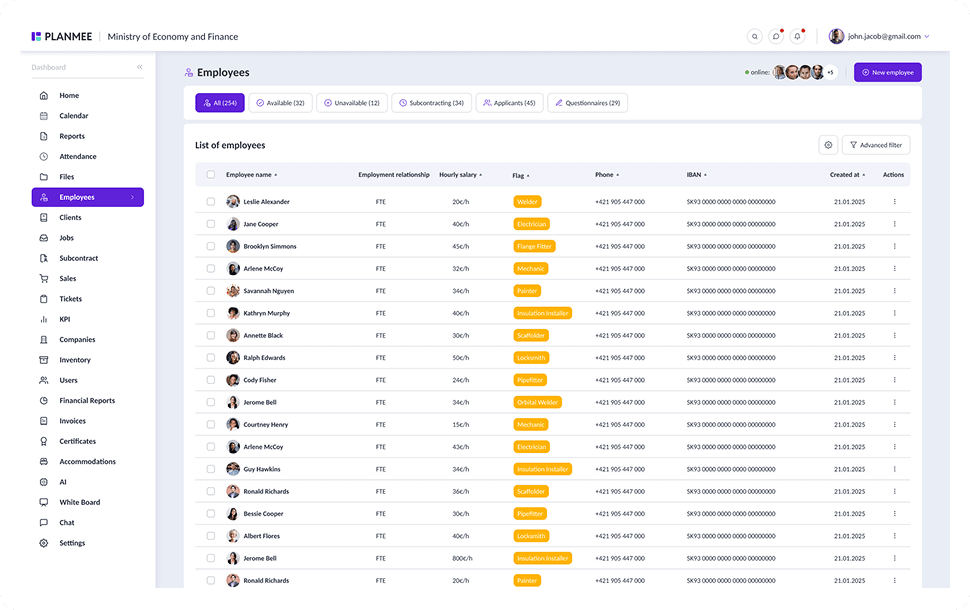



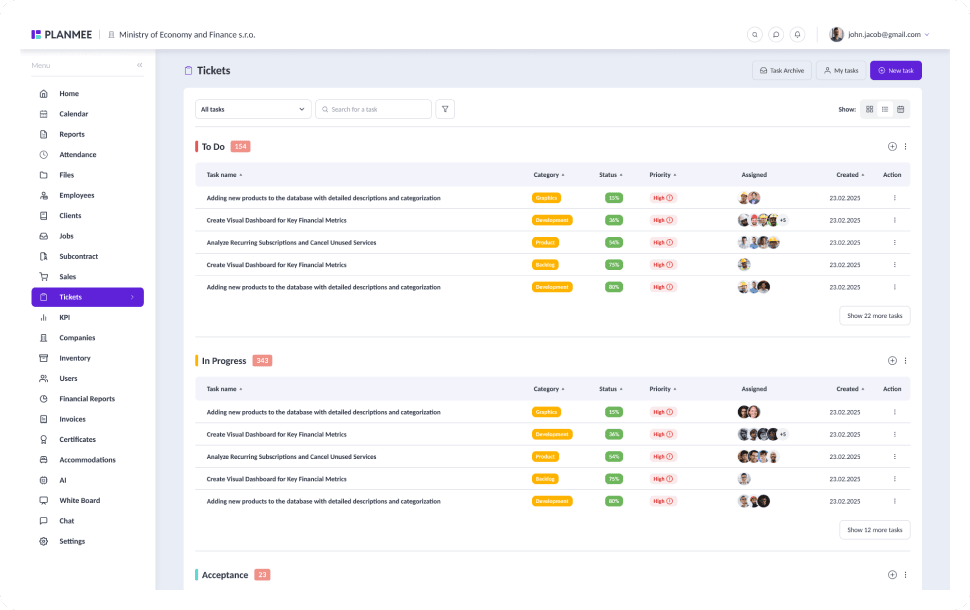
Stay on top of every task and deadline.
Real-time site updates bridge the gap between field crews and office managers. Track daily progress with visual Kanban boards, spot bottleneck issues before they cause delays, and hit every contractual deadline with confidence.


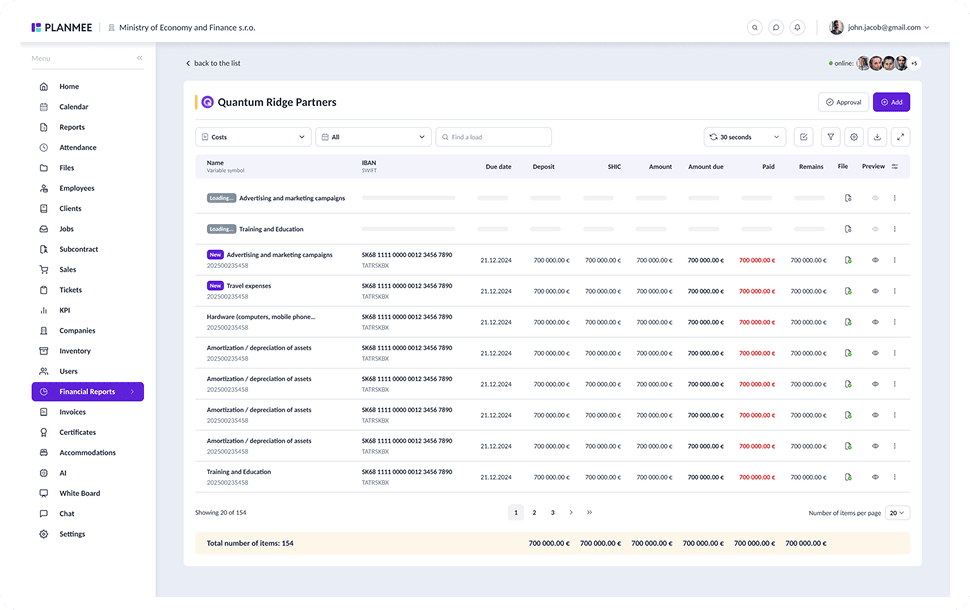
Track costs in real time and protect your margins.
Stop waiting for month-end reports to discover budget overruns. PlanMee continuously matches labor hours, material expenses, and subcontractor invoices against your estimated budget, giving you real-time margin alerts.





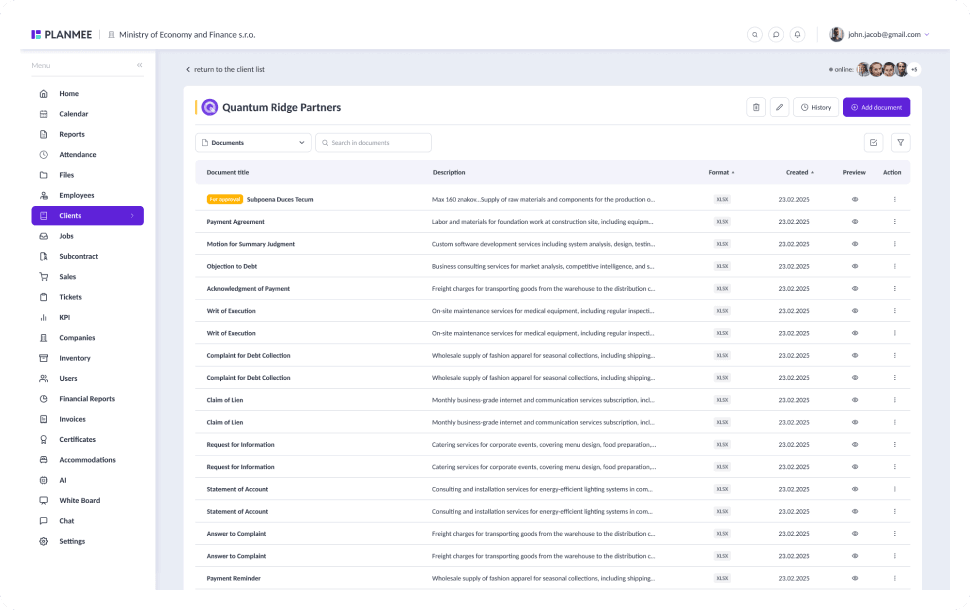
Store all documents and keep everything organized.
Connect site documents directly to relevant tasks and projects. Ensure site managers, subcontractors, and clients always access the latest blueprint revisions, safety certificates, and change orders straight from their devices.
Managing projects should be simple.
PlanMee brings everything you need into one platform.
Project Planning
 Before PlanMee
Project plans in spreadsheets
 With PlanMee
Live project and task overview
Attendance & Workforce
Before PlanMeeSeparate attendance tracking
With PlanMeeConnected workforce & attendance
Team Communication
Before PlanMeeCommunication in WhatsApp
With PlanMeeTasks, comments and notifications
Cost Control
Before PlanMeeManual budget updates
With PlanMeeReal-time budget and costs
Document Storage
Before PlanMeeDocuments stored everywhere
With PlanMeeAll documents in one place
Data & Visibility
Before PlanMeeNo real-time overview
With PlanMeeUp-to-date data, always
Ready to replace spreadsheet chaos with one unified system?
Create your first project in minutes and see how Planmee brings your projects, team and budget together.
