 Use casesUse case
How to manage multiple projects at once
Running five projects in five spreadsheets means nobody sees the full picture. PlanMee rolls every project into one portfolio view.

Master your project portfolio in 5 simple steps
No complex setup or steep learning curve. See how PlanMee rolls every active project into one view you can act on.
Bring every project into one place.
All active jobs live in one list with status, progress, owners and deadlines. Duplicate a proven project setup in one click, split large jobs into sub-jobs and share ownership between project managers with co-owners.
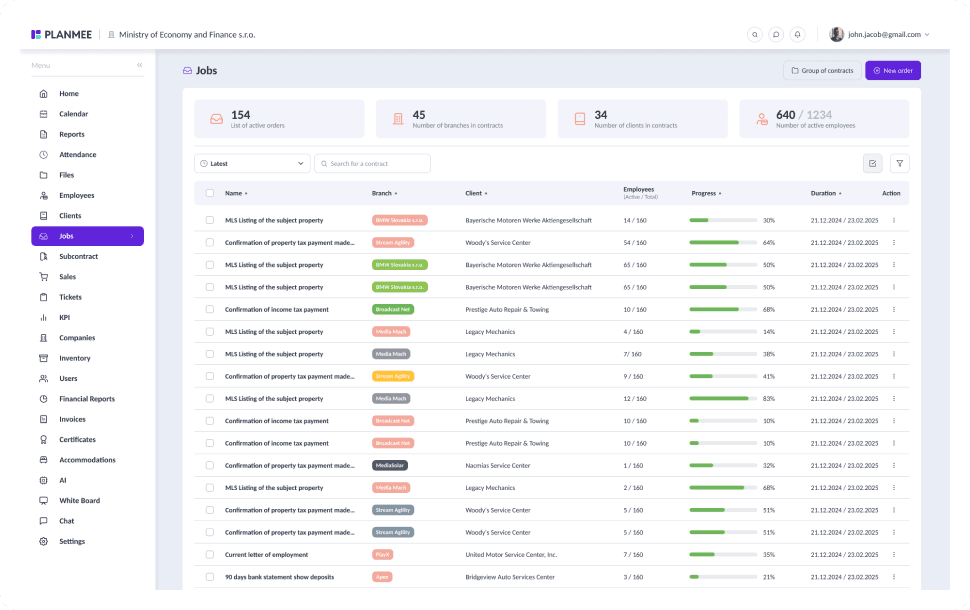


See every timeline side by side.
Plan sub-jobs on a Gantt chart with day, week and month views. Drag dates directly in the chart, set dependencies between phases and track progress in percent, so overlapping deadlines show up long before they collide.
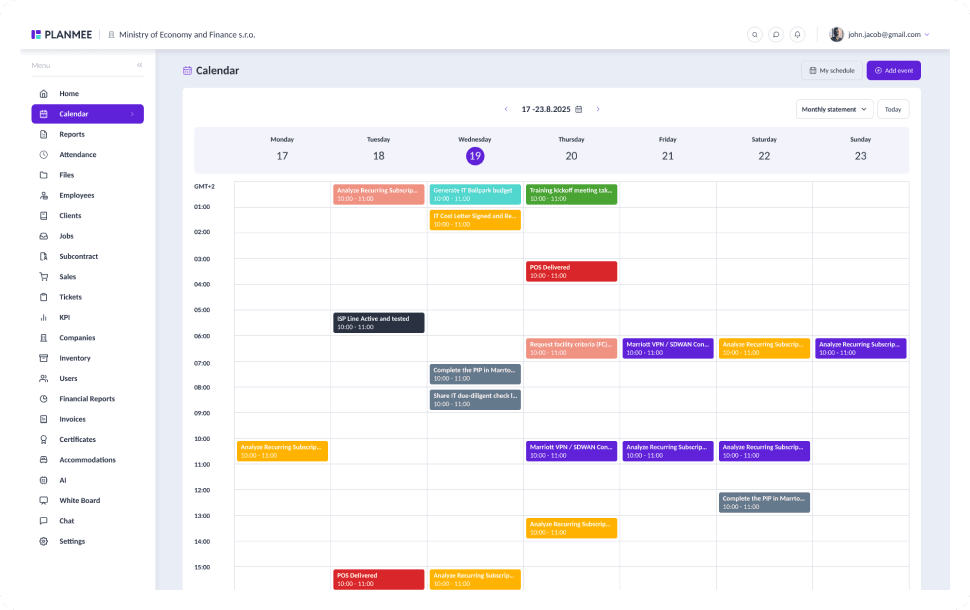


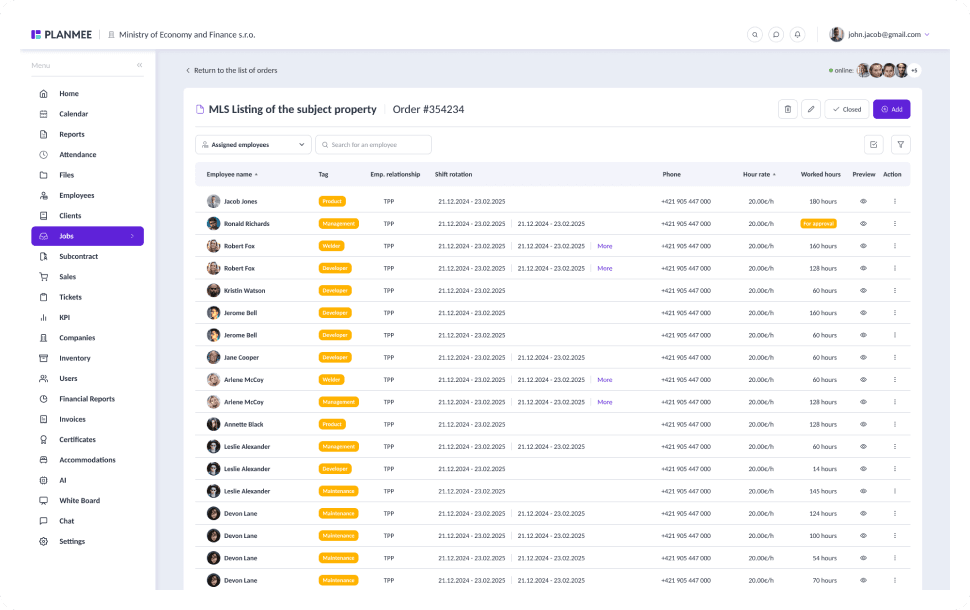
Share people across projects without conflicts.
See which employees are assigned to which job and how hours are split across your portfolio. Aggregation cards on every parent job add up employees, hours, costs and margin from all of its sub-jobs.


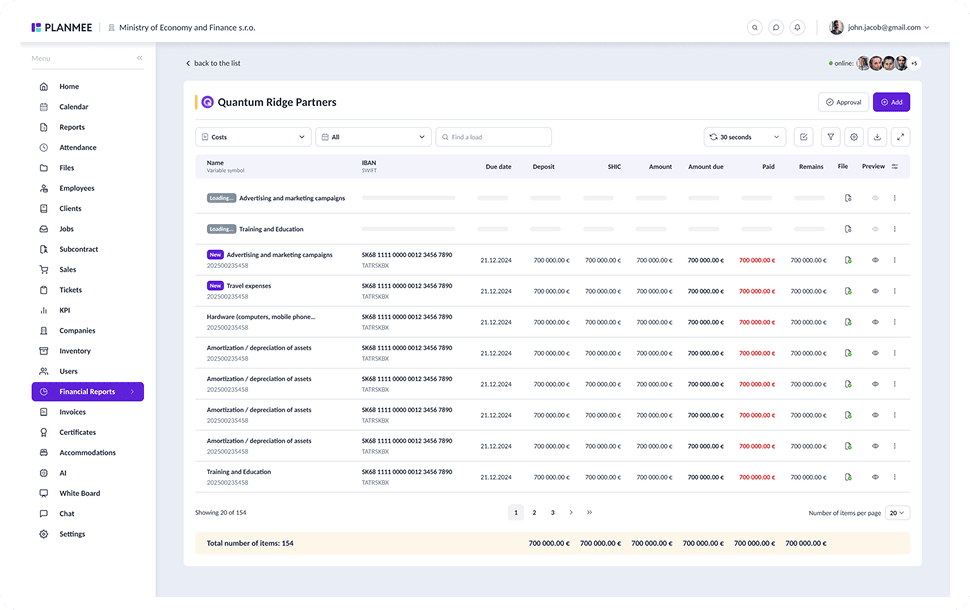
Compare projects on real numbers.
Project statistics compare time spent, costs and profitability across jobs, and departments split the results by division. Spot the project that's slipping before it drags down the rest of the portfolio.





Lead the whole portfolio from one dashboard.
KPI cards show year-to-date revenue, costs and profit with a year-over-year comparison, plus the status of your workforce. Comment notifications keep every project manager in the loop without another status meeting.
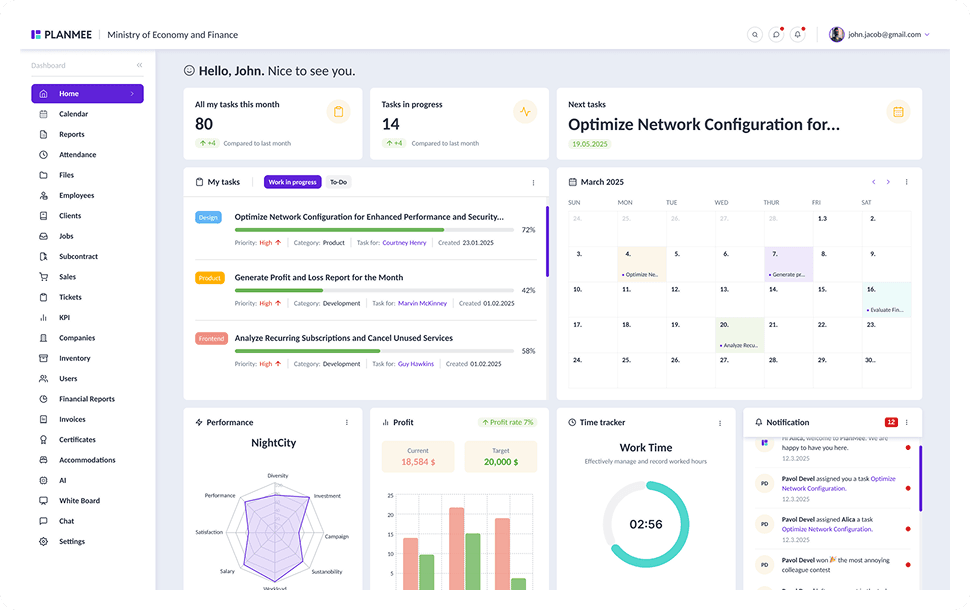


Managing multiple projects should be simple.
PlanMee rolls every project into one portfolio view.
Project Overview
 Before PlanMee
Five projects in five spreadsheets
 With PlanMee
Every project in one list
Timelines
Before PlanMeeDeadline clashes spotted too late
With PlanMeeGantt chart with dependencies
Resources
Before PlanMeeCrews double-booked across sites
With PlanMeeWorkers and hours across all jobs
Ownership
Before PlanMeeUnclear who owns which job
With PlanMeeClear owners and co-owners per job
Cost Control
Before PlanMeeCosts compared after handover
With PlanMeeLive costs and margin per project
Reporting
Before PlanMeeStatus meetings to get updates
With PlanMeePortfolio KPIs on one dashboard
Ready to replace spreadsheet chaos with one unified system?
Create your first project in minutes and see how Planmee brings your projects, team and budget together.
