Blog
Blog
In September PlanMee learned to prepare employment documents for you: choose a template on the worker's page and the contract is ready, with all the details filled in. Important records can no longer be deleted without approval, the AI assistant handles more complex questions, and tasks got a brand-new board. Many screens also got a cleaner, more consistent look. Here's an overview of everything we added in September.
New Features
Employment Documents in One Click
No more putting contracts together in Word. On a worker's page, open the Contracts tab, click Generate document and choose a template. PlanMee fills in the worker's and your company's details and only asks for what it doesn't know yet — for example the salary, place of work or trial period. The finished document gets its number and is saved right in the Contracts tab. Once it's signed, just upload the scan.
- Ready-made templates for 30 countries — employment contracts, amendments, agreements on ending employment and notices for every EU country, Switzerland, the United Kingdom and Norway, in the country's language. Add them to your company with one click and adjust them as you like. New companies get the templates for their country automatically.
- Your own templates — write templates right in PlanMee (Settings → Document templates) and mark the details that should be filled in automatically, such as the name, address or date of birth.
- Or your own Word file — upload a template you already use in Word, mark where the details go, and PlanMee fills it in. If something in the file doesn't fit, it tells you what to fix.
Approval Before Deleting Jobs, Clients and Invoices
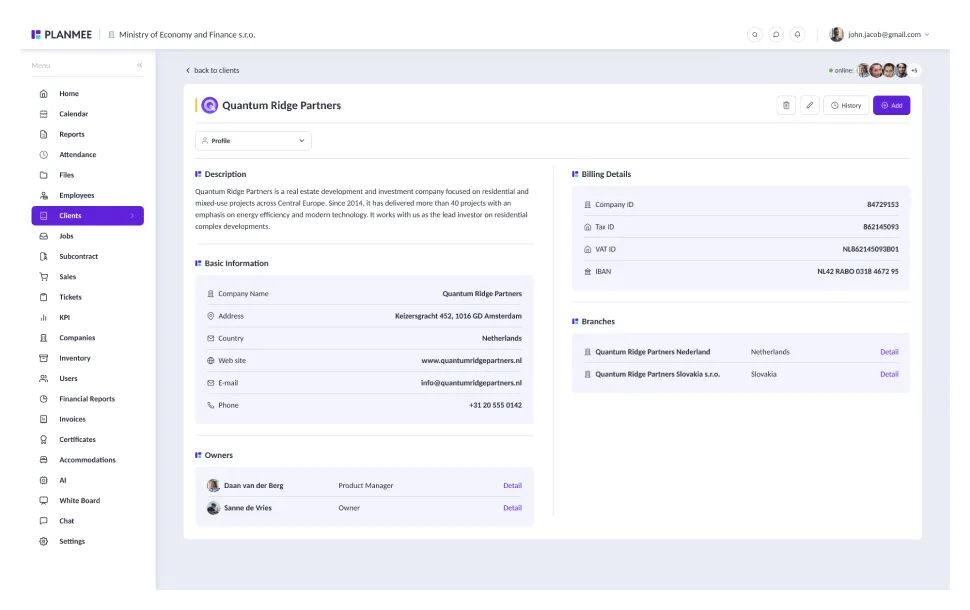
A job, a client or an invoice can no longer disappear by mistake. If someone other than an administrator deletes one, PlanMee sends a request to the administrators instead. They get a notification and approve or reject it in the new Deletion requests overview — one at a time or several at once, with an optional note. The person who asked finds out how it was decided, and until then the job, client or invoice is marked as waiting for approval.
An AI Assistant That Works Step by Step
The AI assistant can now answer questions that need several pieces of information. It looks them up one after another and puts the answer together from all of them. Under each answer you can open the list of steps it took, so you can see where the answer comes from.
After a greeting or "what can you do?", it suggests questions you can ask with one click. It also counts revenue and costs the same way as the financial overview, so you get the same numbers however you ask — and "last month" or "this year" always means the right dates.
A Brand-New Task Board
Tasks have a completely new look. On the board, every status has its own column, and each card shows the category, the priority, who's working on it and how many subtasks are done. If you prefer a list, switch to the table, where tasks are grouped by status.
Search, categories and sorting are always at hand, more filters open in a panel on the side, and an active filter is gone with one click. "My tasks" is now a simple filter right on the board, and a task added from a column starts in that column's status. Task statistics, settings and the archive got the same new look — and the statistics load much faster.
A Fresh, Consistent Look
PlanMee is getting a new look: the same buttons, forms and tables everywhere, forms that open on the right side of the screen so you never lose sight of the page, and a clear question before anything is deleted. In September it arrived in the financial report (approvals, payments, filters and the forms for costs and revenues), the project tracker, the AI assistant, the setup for new companies, financial statistics, inventory, whiteboards, job groups and job statistics.
When adding costs, the documents you've just entered stay visible next to the form, so you can enter several in a row without losing track. Job groups can have one of eight colours, and job statistics show the most important numbers and charts for the period you choose.
Production and Management in the Project Tracker
You can now mark each worker on a job as production or management. Management doesn't appear in daily output and doesn't count toward team targets or the leaderboard, and their wages are added to "Management & overhead" automatically — so nothing is counted twice. You choose the role when assigning workers, even when adding several at once.
The tracker also shows only the people who work on the job in the month you're looking at, so former team members don't get in the way or inflate the monthly costs. One switch shows everyone again — those no longer on the job are marked "Inactive". Anyone with output already recorded always stays visible.
Excel Export of Attendance and Work Hours
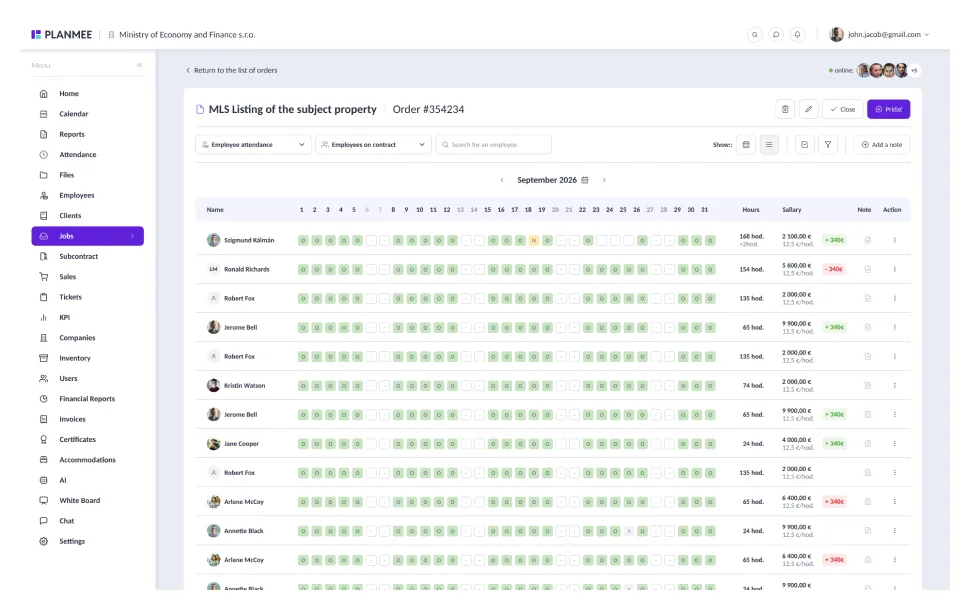
Attendance can now be exported to Excel: the whole month at a glance in the same colours as on screen, with the number of days for each type of attendance and a list of all entries. In the job detail, you can also export the month's work hours to Excel.
Company Setup for All of Europe
Companies from any EU country, Switzerland, the United Kingdom or Norway can now set up PlanMee on their own — until now the setup offered just six countries. Once you choose your country, the time zone and currency are filled in for you and the document templates for your country are ready to use.
Improvements
- A payment batch exported by mistake can now be taken back, edited and exported again, or deleted.
- If reading an uploaded invoice with AI gets stuck, send it again with one click from the approval page — PlanMee now also tries again on its own.
- When adding revenue, you can now choose the worker (their IBAN is filled in), the type of contract and let AI read the invoice — just like when editing.
- The document detail in the financial report shows the job number next to its name.
- Subcontractor groups can be filtered by job.
- Unrealized jobs now show up only under Unrealized, no longer among current, upcoming or completed jobs.
- Financial statistics, cash flow and the AI assistant are faster, even with years of data.
Bug Fixes
- Financial report: a cost that's reassigned or edited while waiting for approval stays with its approver
- Financial report: the approval filter works, declined costs are clearly marked, and copying a cost or cancelling a payment no longer declines it by mistake
- Financial report: declined items no longer show up among those waiting for approval, and the export contains exactly what you see in the table
- Financial report: a new payment batch always contains the selected documents
- Financial report: receivables without a due date are no longer shown as overdue
- Financial report: payment QR codes work for every Slovak bank account, and for foreign accounts PlanMee offers the right kind of QR code
- Financial report: a cost keeps its invoice number and a revenue its IBAN and SWIFT
- Invoices: reminders and overdue notices are no longer sent for deleted invoices
- AI assistant: answers no longer end empty with a connection error
- Job groups and whiteboard categories that are still in use can now be deleted — the jobs and boards simply stay without them
- The subcontractor groups page opens again
- Many other smaller fixes
Subscribe to our newsletter
Stay up to date with our latest articles and product updates, please subscribe to our blog newsletter.
Share